
How to Sell Your Old iPhone in Austin After the iPhone 18 Pro Launch
Want to sell your old iPhone in Austin now that the iPhone 18 Pro is out? Here are the 5 steps to prep it so it's safe and ready for its next owner.
The iPhone 18 Pro and iPhone 18 Pro Max came out on September 18, and a lot of people in Austin now have an older iPhone sitting in a drawer. If you want to sell your old iPhone in Austin, the short answer is this: move your stuff to the new phone, sign out of iCloud, erase it, and pull the SIM. Do those four things and your old phone is ready for its next owner.
Here's how to do each step without losing anything, plus what a buyer will ask about before making an offer.
Why prep your old iPhone before you sell it
A phone that's still signed in to your Apple Account can't be set up by anyone else. Apple calls this Activation Lock. It turns on by itself when Find My is on, and it ties the phone to your account. That's great if your phone gets stolen. It's not great if you're trying to sell it.
Prepping it first also protects you. Your photos, messages, saved passwords and Wallet cards should go with you, not with the phone.
Before you sell: 5 steps
These steps follow Apple's own guide, What to do before you sell, give away, or trade in your iPhone or iPad. Menu names can change a little between iOS versions, so check that page if something looks different.
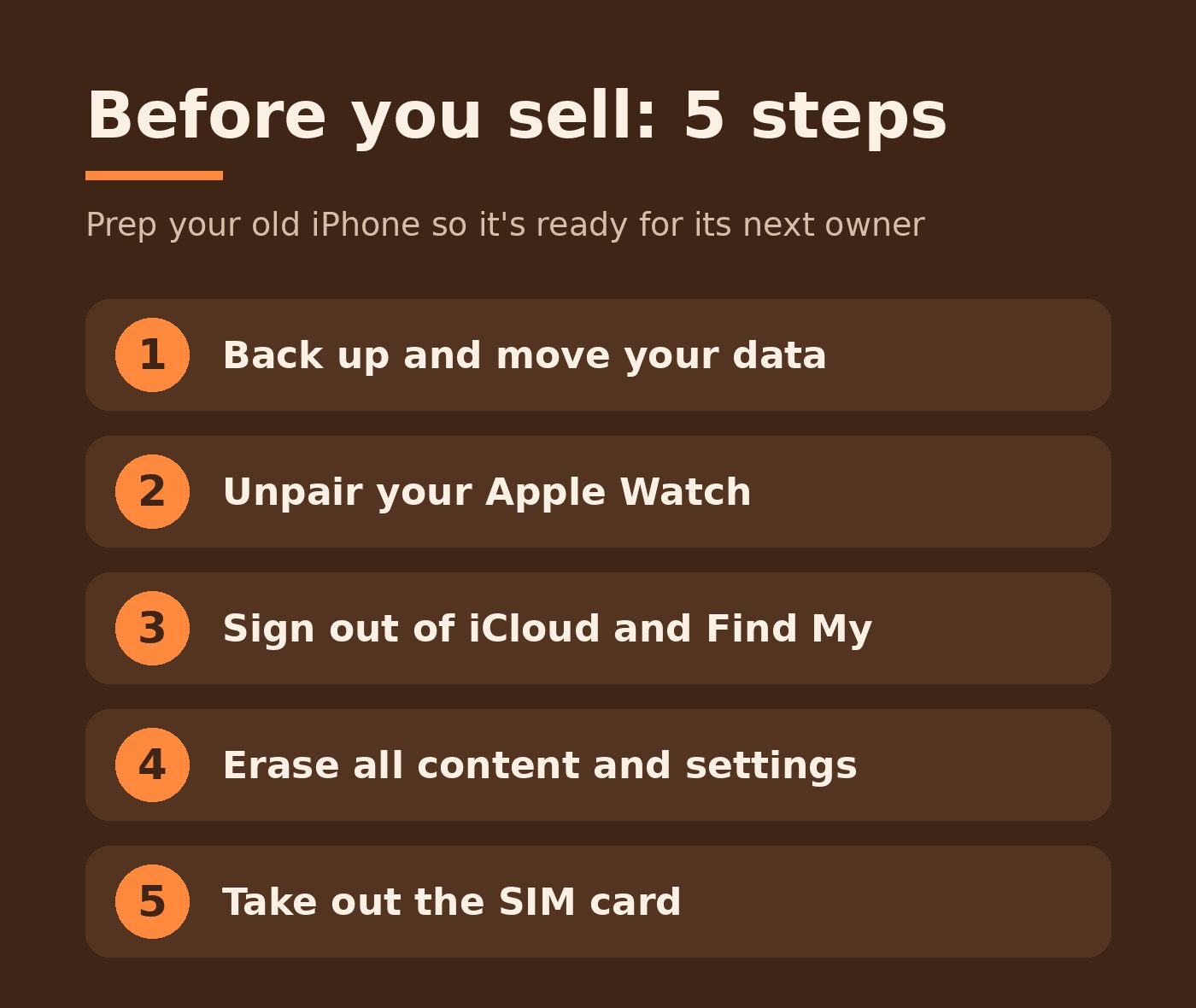
1. Back up and move your data
Back up to iCloud or your computer. If your new iPhone is already in hand, Quick Start can copy everything over when you set it up. Keep the old phone until you're sure your photos, contacts and chats made it across.
2. Unpair your Apple Watch
If you wear an Apple Watch, unpair it from the old phone. Also cancel or transfer any AppleCare plan tied to it.
3. Sign out of iCloud and Find My
Go to Settings, tap your name, scroll down and tap Sign Out. This is the step that turns off Find My and Activation Lock. If you skip it, the next owner gets stuck at a screen asking for your Apple Account.
4. Erase all content and settings
Go to Settings > General > Transfer or Reset iPhone > Erase All Content and Settings. If you use an eSIM, choose to erase it when the phone asks. When the phone restarts to the Hello screen, it's clean.
5. Take out the SIM card
If your iPhone uses a physical SIM, pop it out with a SIM tool or a paper clip. Last, sign in to your Apple Account on the web or another device and remove the old phone from your list of trusted devices.
- Back up and move your data
- Unpair your Apple Watch
- Sign out of iCloud and Find My
- Erase all content and settings
- Take out the SIM card
What a buyer will ask about
Whoever buys your phone, a shop, a trade-in program or a neighbor, will want to know a few things. Having the answers ready makes it go faster.
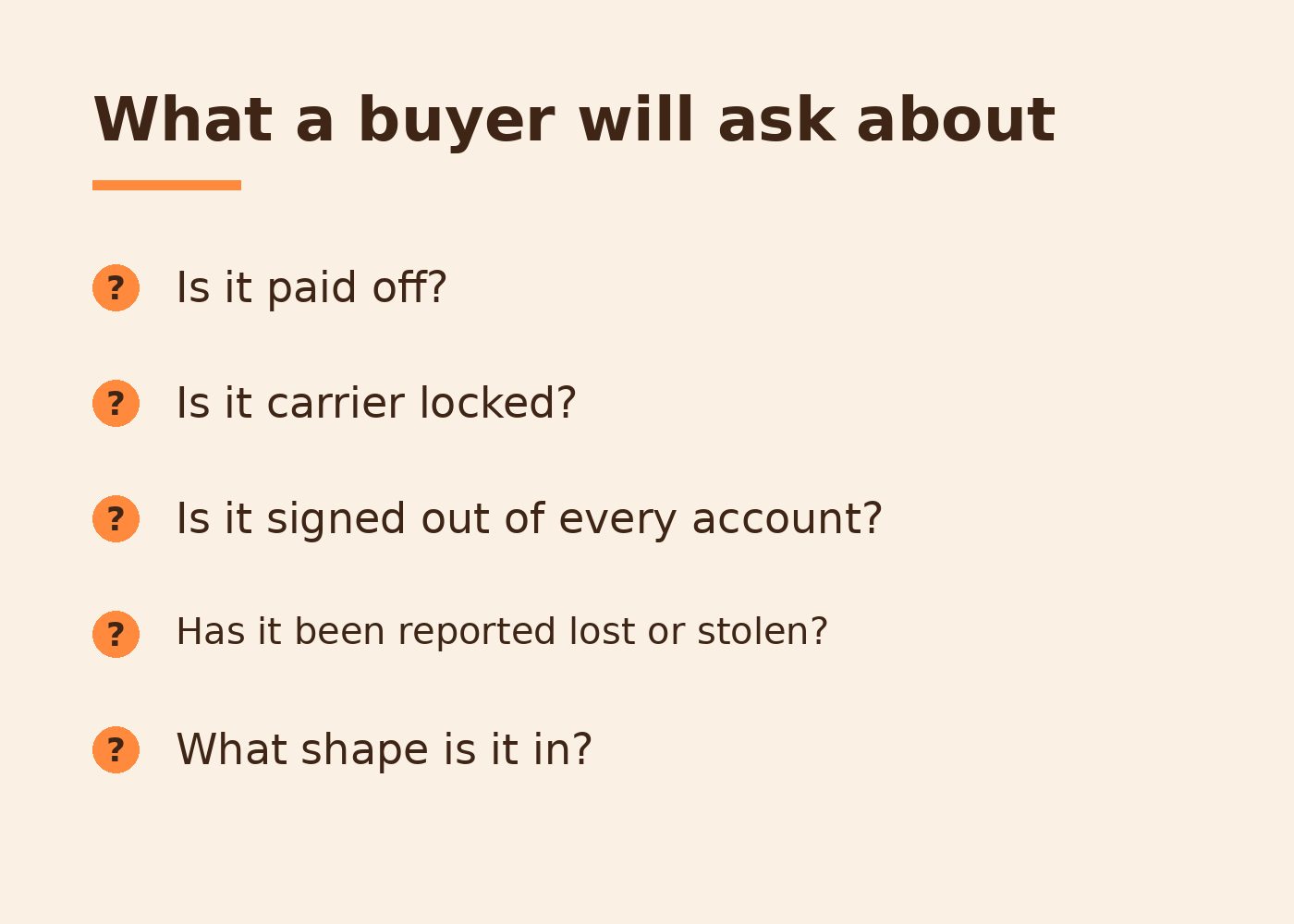
- Is it paid off? Many buyers ask, since a financed phone can still be tied to the carrier account.
- Is it carrier locked? Some phones only work with one carrier until they're unlocked.
- Is it signed out of every account? See step 3 above.
- Has it been reported lost or stolen? Carriers can block a phone that's been reported.
- What shape is it in? Cracks, battery health and whether it turns on all matter.
You can check battery health in Settings > Battery. It's worth a look before you list it, so there are no surprises.
Selling locally vs trade-in vs mail-in
There's no one right way. A carrier or Apple trade-in is easy if you're buying a new phone anyway. Mail-in buyers can work too, but you ship the phone first and wait for their inspection. Selling locally means someone looks at the phone with you and there's no box or shipping label to deal with.
Whichever you pick, do the 5 steps first. They're the same everywhere.
Selling your iPhone to Damage Control
We're a family-owned mobile repair service in the Austin metro, and we buy used phones, tablets, laptops and consoles case by case. Here's how it works:
- Tell us what you've got: model, storage, condition, and whether it's paid off, locked or signed in to an account.
- We look it over and reply. Any price is an estimate until we see the phone in person.
- If it works for both of us, a tech meets you curbside at your home, office or a public spot like a coffee shop.
You'll need to be 18 or older and bring a photo ID. Sign out of iCloud and Find My first, and take out your SIM and any memory cards. We serve Austin, Round Rock, Cedar Park, Pflugerville, Georgetown, Leander, Lakeway, Bee Cave, Kyle, Buda, Manor and Hutto.
Got a cracked screen or a tired battery instead? That phone might be worth fixing and keeping as a backup or a hand-me-down. We offer a free diagnostic and a clear quote before any paid work.
Ready to sell? Tell us what you've got, call (512) 649-5492 or email hello@idamagecontrol.com. You can also browse our tested, cleaned used devices.