Joy-Con Drift Repair in Round Rock: Quick Fixes to Try First
Joy-Con drift repair in Round Rock: what stick drift is, the free fixes to try at home first, and when it's time to get your controller looked at.
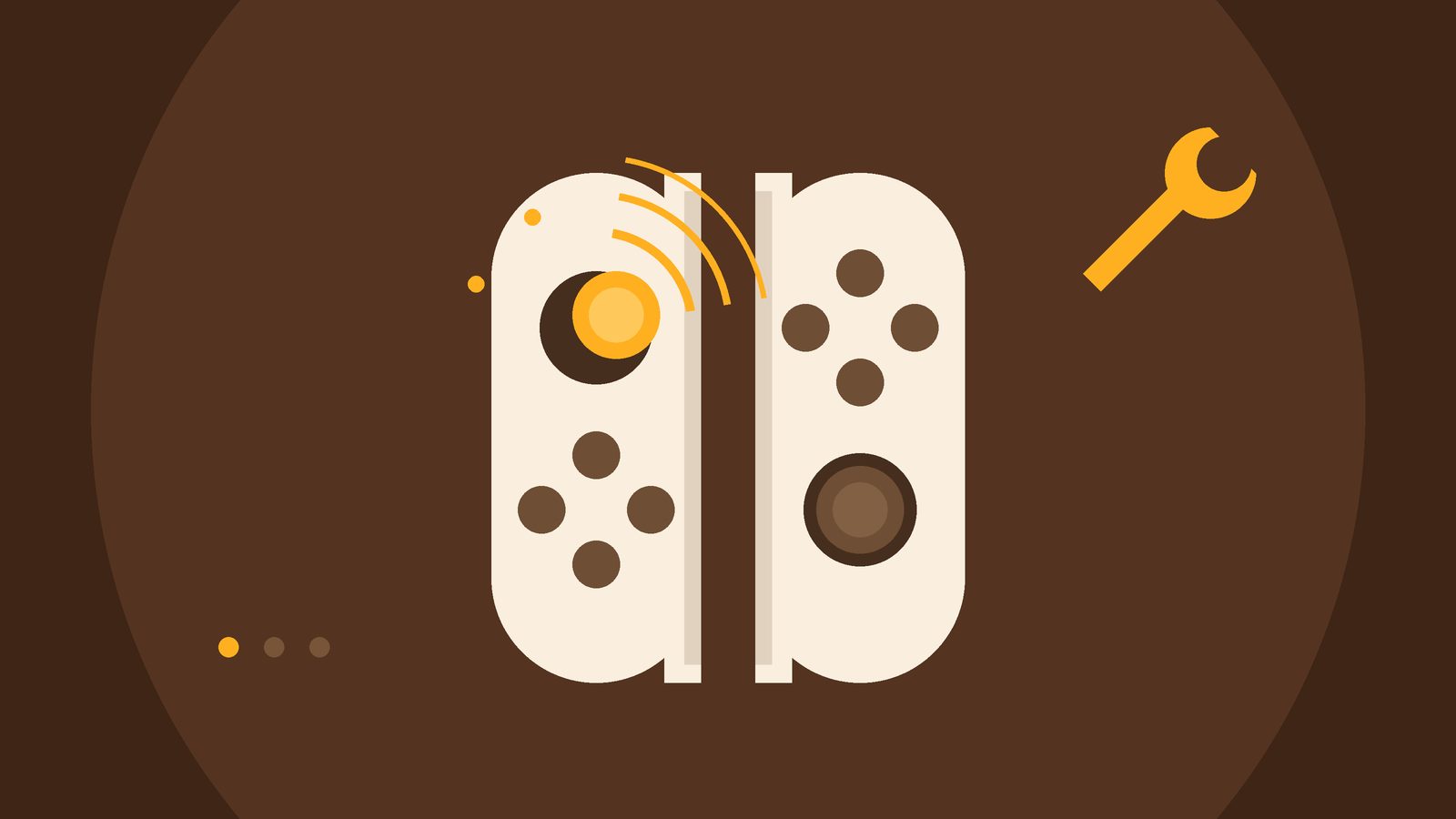
Your character walks off on its own. The camera slowly spins. Menus scroll while your thumbs are nowhere near the stick. That's stick drift, and it's a really common complaint with game controllers. If you're looking for Joy-Con drift repair in Round Rock or anywhere around Austin, here's the short answer: try a few free fixes first, and if the drift comes right back, the stick most likely needs a repair.
What is Joy-Con drift?
Drift is when your console reads stick movement you aren't making. It can be a tiny nudge in one direction, or strong enough to make a game hard to play. It can show up on the original Joy-Con, on Joy-Con 2 for the Nintendo Switch 2, and on other controllers too, like PlayStation and Xbox controllers.
Why does it happen? When the consumer group Which? had Joy-Con taken apart in a lab, it found wear on the contact points inside the stick, plus dust and other bits inside the parts. Its report said drift could come from that wear alone, or from wear combined with dirt. In plain terms: sticks get used a lot, and small parts wear down over time.
Signs your controller is drifting
- Your character or cursor keeps moving after you let go of the stick
- The camera turns slowly by itself
- Menus jump or scroll on their own
- Small movements overshoot, so aiming feels off
- It happens in every game, not just one
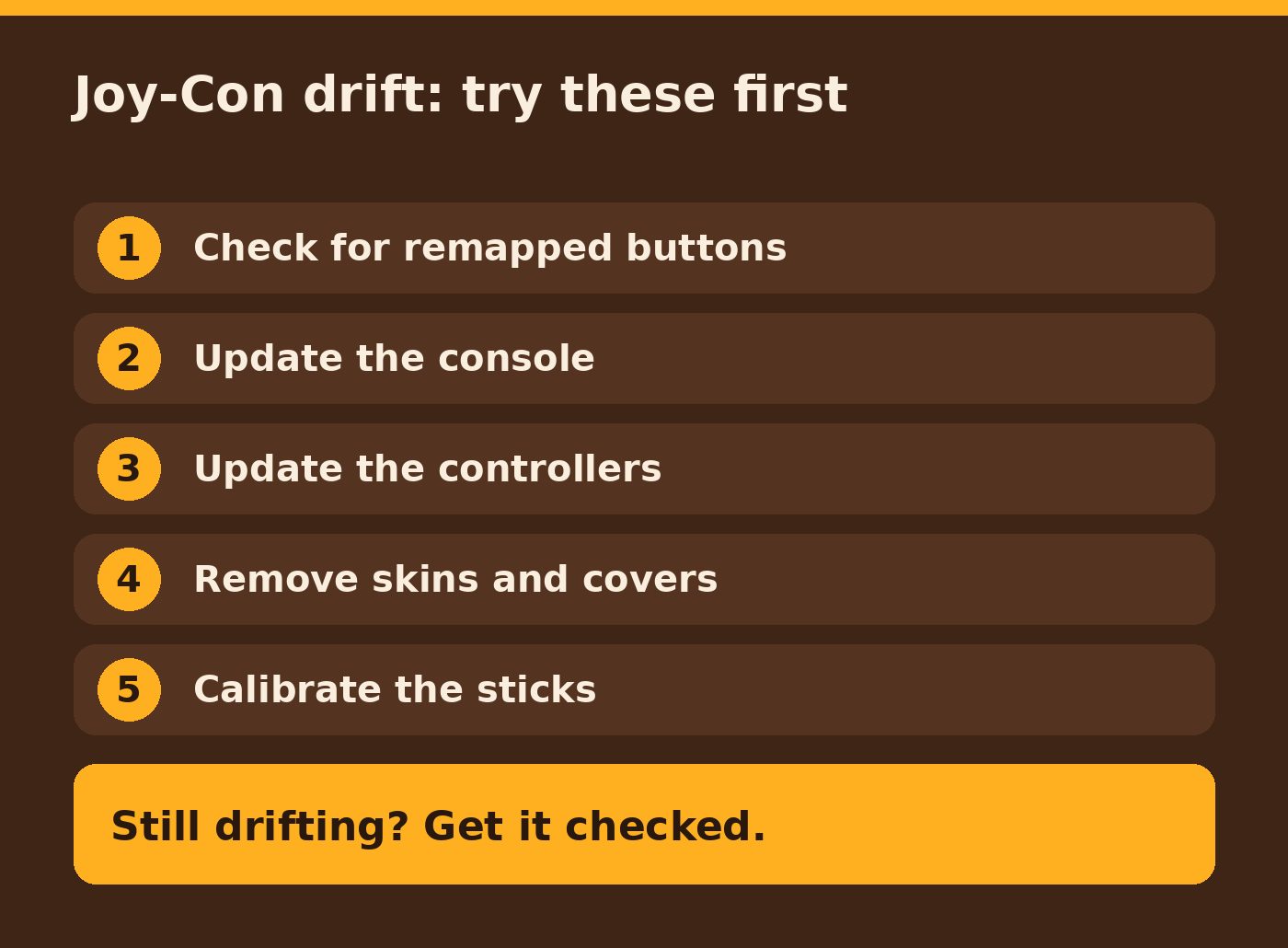
Joy-Con drift repair in Round Rock: quick fixes to try first
Before you pay anyone for anything, run through these steps. They come from Nintendo's own troubleshooting guide and they don't cost a thing.
- Check for remapped buttons. A wrench icon next to the controller in the bottom left of the screen means the inputs were changed. Set the sticks back to standard.
- Update the console. Go to System Settings, then System, then System Update.
- Update the controllers. On Switch 2, Nintendo lists this under System Settings, Controllers & Accessories, Update Controllers.
- Remove skins and covers from the drifting controller.
- Calibrate the sticks. On Switch 2 it's System Settings, Controllers & Accessories, Calibrate Control Sticks. On the original Switch it's under Controllers and Sensors. Hold the stick fully tilted in one direction for a few seconds, then follow the prompts on screen.
If the fix doesn't seem to take, Nintendo suggests putting the console to sleep, waking it with the power button, then pressing the controller's SYNC button once and any other button to turn it back on.
If the drift only happens in one game, check for an update for that game. Also look at its settings: tilt or motion controls can make the sticks feel like they're acting up when they're not.
Still drifting? Get it checked.
If the drift comes back after calibrating, or the stick won't calibrate at all, Nintendo's guidance is that the controller needs service. At that point it's a hardware problem, not a settings problem.
You'll find plenty of videos of people spraying cleaner into sticks or opening Joy-Con with tiny screwdrivers. Joy-Con are small and packed tight inside, so it's easy to turn one problem into two. If your controller is fairly new, it's worth checking Nintendo's own service options too. In the U.S., Nintendo offers an online service request for Joy-Con with stick problems.
Getting your Joy-Con fixed around Round Rock
We fix stick drift on Nintendo Switch Joy-Con, and on PlayStation and Xbox controllers too. It works like all our repairs: a tech meets you curbside at your home, office or a public spot like a coffee shop, picks up the controller and brings it back when it's done. We never come inside.
- A free diagnostic and a clear quote before any paid work
- No fix, no pay
- Most repairs take 24 to 48 hours
- A 90-day warranty on parts and work (it doesn't cover new physical damage after the repair)
We cover Round Rock, Austin, Cedar Park, Pflugerville, Georgetown, Hutto and other nearby cities.
Got a Joy-Con that won't stop wandering? Request a free diagnostic and we'll set up a curbside pickup, or give us a call at (512) 649-5492. And if you've moved on from an old console, we also buy used consoles case by case. Tell us what you've got.