iPhone Battery Replacement in Cedar Park: Is It the iOS 27 Update or Your Battery?
Battery dying fast since iOS 27? See what's normal after an update, how to check Battery Health, and when an iPhone battery replacement in Cedar Park makes sense.
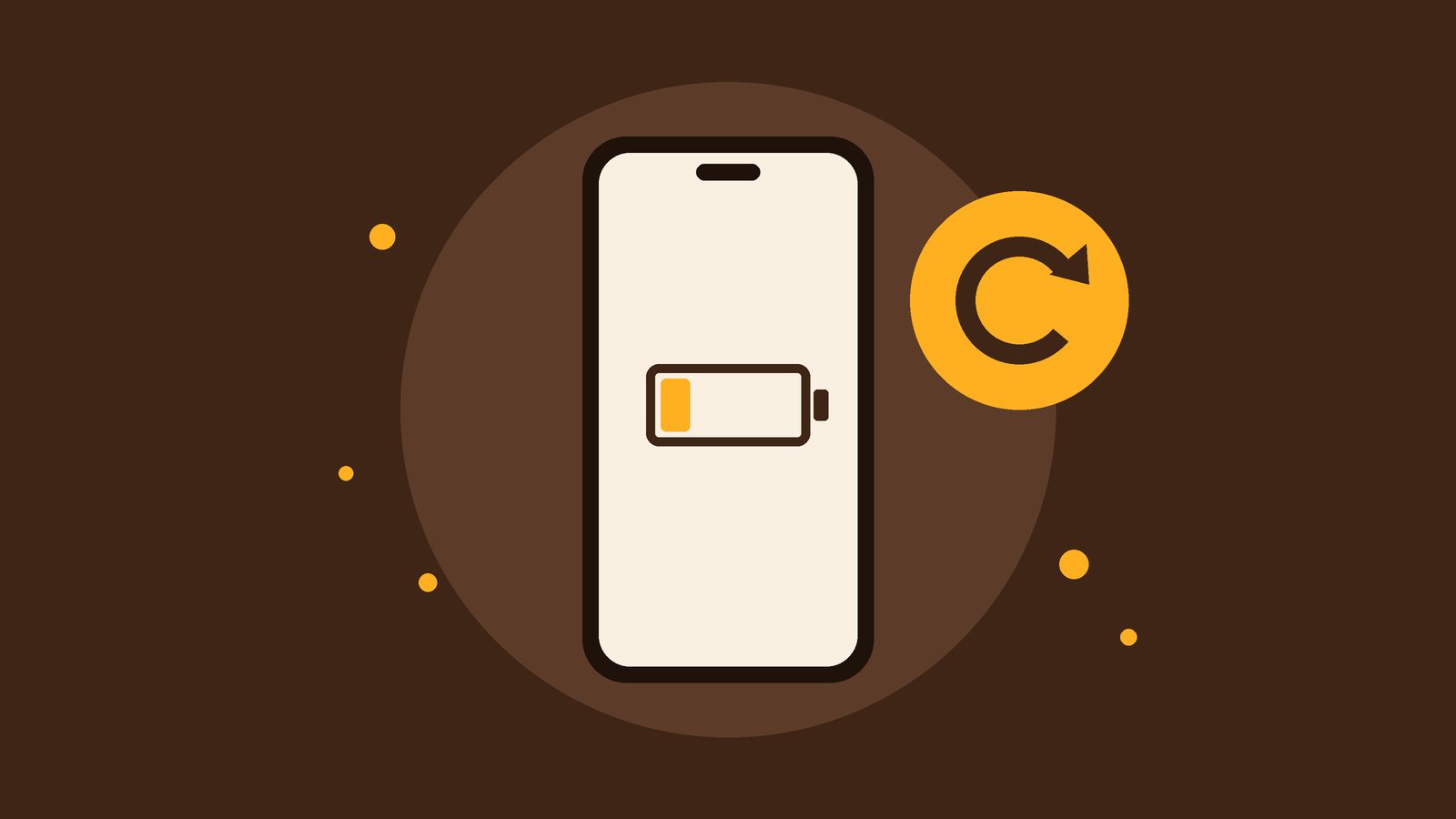
If your iPhone battery started dropping fast after the iOS 27 update, you're not alone, and it usually doesn't mean you need an iPhone battery replacement right away. Big updates keep your phone busy in the background for a little while. If the drain sticks around after that, though, your battery may simply be worn out. Here's how to tell the difference, whether you're in Cedar Park or anywhere else around Austin.
Why your battery drains after a big update
Apple says that after an update, especially a major one, you might notice a temporary impact on battery life and thermal performance. That's normal. Your phone is still finishing setup work in the background, so it uses more power and can feel a bit warm, even when it's just sitting on the counter.
Apple doesn't give an exact timeline, and it can vary from phone to phone. So give it a few days of normal use before you judge your battery.
What to do in the first few days
- Leave it plugged in overnight on Wi-Fi so the background work can finish.
- Update your apps from the App Store.
- Restart your phone once.
- Turn on Low Power Mode if you need to stretch a long day.
After that, just use your phone like normal and see how it does.
How to check your iPhone's Battery Health
Open Settings, tap Battery, then tap Battery Health. Maximum Capacity shows how much charge your battery can hold compared to when it was new. A lower number means fewer hours between charges.
According to Apple's battery and performance guide, batteries in iPhone 14 models and earlier are designed to keep 80 percent of their original capacity at 500 complete charge cycles, and iPhone 15 models at 1,000 cycles, under ideal conditions. Real life isn't ideal, so how you use and charge your phone matters too.
If your battery's health is significantly degraded, the Battery Health screen will say so. Apple notes that message isn't a safety issue. It just means a new battery would bring back full performance and capacity.
Update drain or worn battery? How to tell
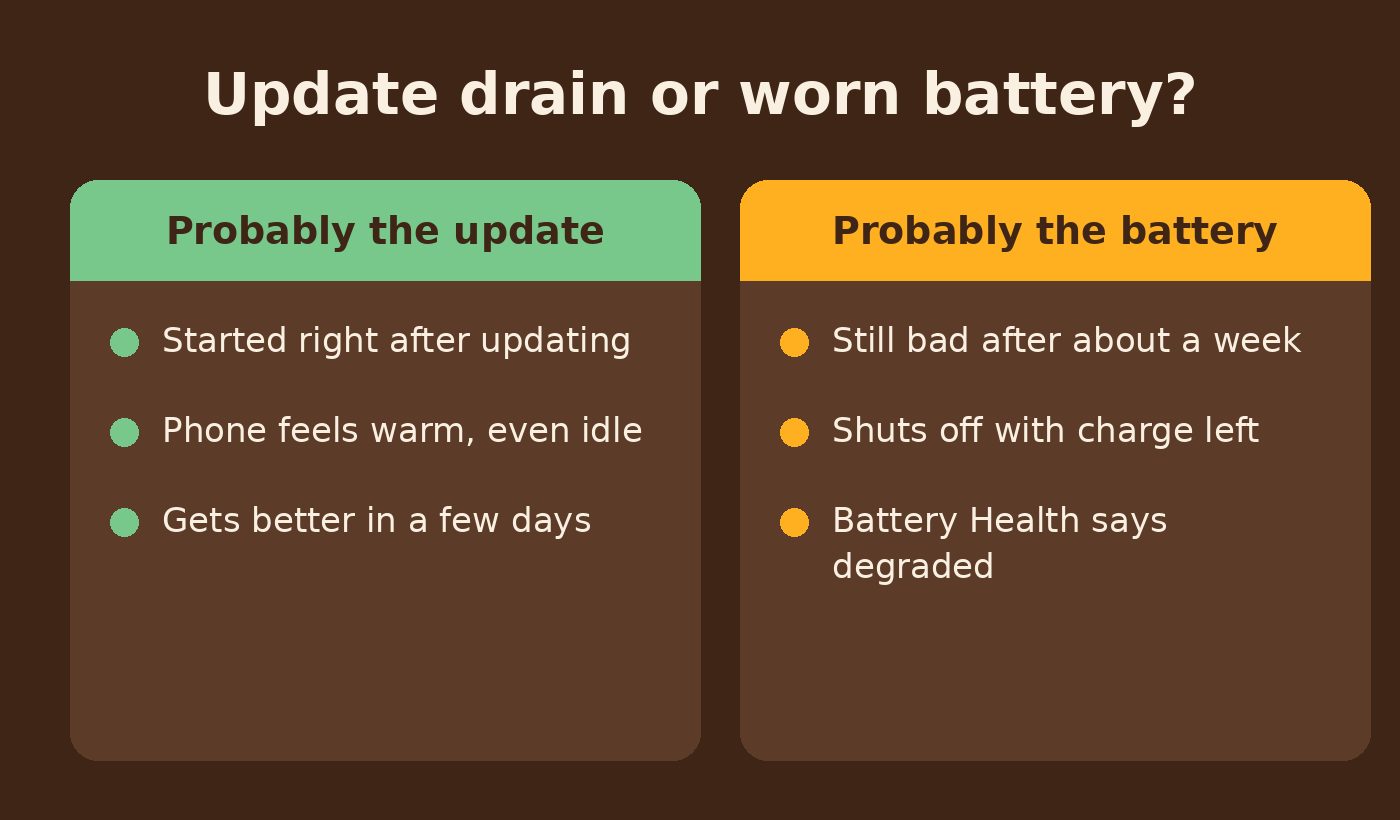
Probably the update
- Started right after updating. The timing is the biggest clue.
- Phone feels warm, even idle. That's the background work running.
- Gets better in a few days. Battery life slowly goes back to what you're used to.
Probably the battery
- Still bad after about a week. The update work should be long done by then.
- Shuts off with charge left. An aging battery can struggle to keep up when the phone asks for a burst of power.
- Battery Health says degraded. Your phone is telling you it's time for a new one.
If the second list sounds like your phone, it's worth looking at the battery instead of waiting on the next software update. Not sure which list you're on? That's exactly what a free diagnostic is for.
Why a DIY battery swap is a bad idea
iPhone batteries are held in with strong adhesive and sit right next to thin, delicate cables. Without the right tools and some practice, it's easy to bend the battery, tear a cable or crack the screen while opening the phone. A quick fix can turn into a bigger repair. This one is worth handing off.
iPhone battery replacement in Cedar Park and around Austin
Damage Control is a family-owned mobile repair service. We do curbside pickup across the Austin area, including Cedar Park, Leander, Round Rock and Georgetown. A tech meets you outside your home, office or a spot like a coffee shop, picks up your phone and brings it back. We never come inside.
You get a free diagnostic and a clear quote before any paid work, and if we can't fix it, you don't pay. In-stock battery replacements are generally done the same day, and our parts and work come with a 90-day warranty. Before any repair, back up your phone to iCloud or your computer.
Battery still struggling a week after the update? Request a battery replacement or call us at (512) 649-5492 and tell us what's going on.