PS5 HDMI Port Repair in Leander: No Signal? What to Check First
PS5 stuck on No Signal? Try these free fixes first, then learn the signs of a damaged HDMI port and how repair works around Leander and Austin.
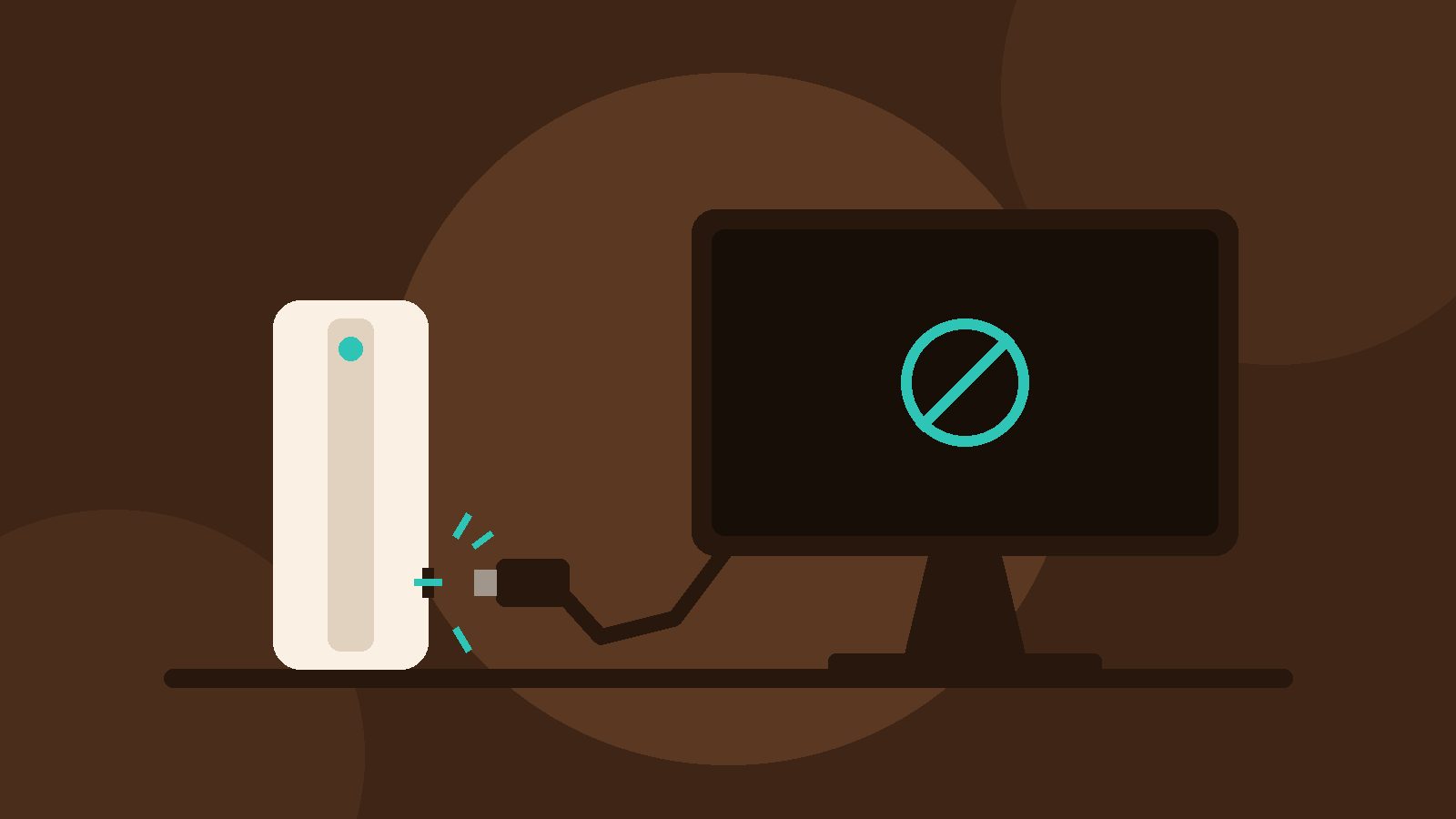
Your PS5 powers on, the light is on, but the TV just says No Signal. A lot of the time the fix is simple, like a cable or a TV setting. Sometimes it's the HDMI port on the console itself. If you're looking into PS5 HDMI port repair in Leander or anywhere around Austin, here's how to tell which one you're dealing with before you book anything.
Quick answer: is it the port or something else?
Try the free fixes below first. If your PS5 still shows nothing on two different TVs or monitors, with two different HDMI cables, and the port on the console looks or feels off, the HDMI port is the likely problem. That's a repair on the console's main board, not a weekend DIY job.
Free fixes to try first
These steps come from Sony's own PS5 picture and sound troubleshooting page and its Safe Mode guide. They take a few minutes and clear up a lot of No Signal screens.
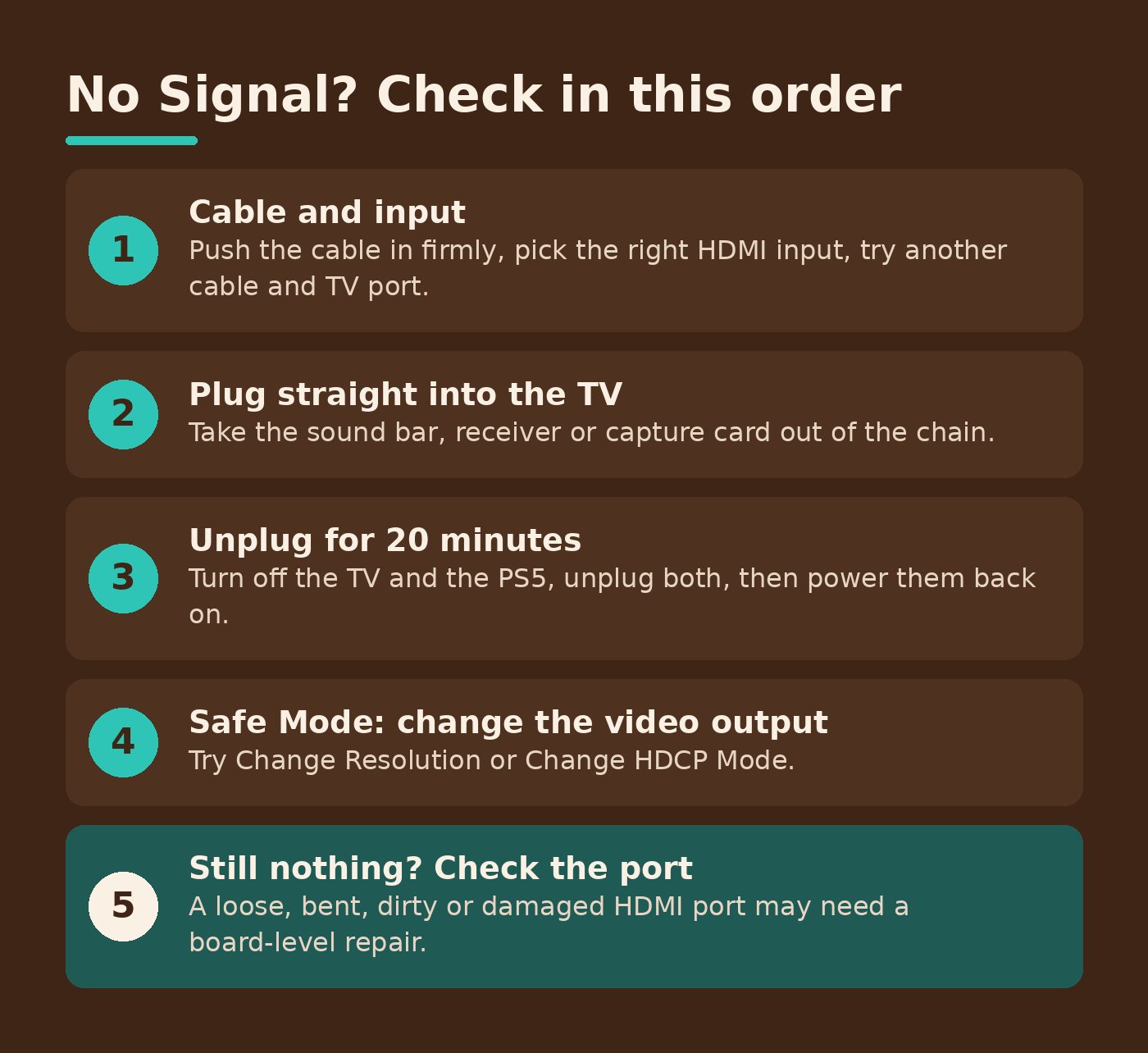
- Check the cable and input. Push the HDMI cable in firmly at both ends and make sure the TV is on the right HDMI input. Then try a different cable and a different HDMI port on the TV.
- Plug straight into the TV. If the PS5 runs through a sound bar, receiver or capture card, take it out of the chain and connect the console directly.
- Power cycle everything. Turn the TV and the PS5 all the way off, unplug both power cables, wait 20 minutes, then plug them back in and turn them on.
- Update the TV. Make sure your TV or monitor is on its latest firmware.
- Change the video output in Safe Mode. With the PS5 fully off, hold the power button and let go after the second chime, about seven seconds later. Connect a controller with a USB cable, press the PS button, then choose Change Video Output and try Change Resolution or Change HDCP Mode.
If you get a picture in Safe Mode, the port is probably fine and it was a settings mismatch. If you've done all of this and still see nothing, keep reading.
Signs your PS5 HDMI port is damaged
The HDMI port is a physical connector, so it can get strained when a cable is tugged, tripped over, or left plugged in while the console gets moved. Here's what a worn or damaged port tends to look like:
- The picture cuts in and out, or only works when the cable is held at a certain angle.
- The cable feels loose in the console but snug in the TV.
- With a flashlight, you can see something bent, broken, dirty or corroded inside the port.
- You get No Signal on every TV and every cable you try, even though the console powers on.
Please don't force a cable in or poke around inside the port with anything metal. That can turn a small problem into a bigger one.
Why this usually isn't a DIY fix
According to iFixit's PS5 HDMI port part page, the port is soldered to the motherboard and installing a new one takes soldering and board-level repair skills. Most people don't have the tools for that at home, and a slip on the main board is hard to undo.
If your PS5 is still under Sony's warranty, it's worth checking with Sony first, since a repair may be covered.
Got an Xbox doing the same thing?
Xbox consoles have HDMI ports too, and we repair those as well. Start with the same easy checks: another cable, another TV input, and a direct connection to the TV.
PS5 HDMI port repair around Leander and Austin
Damage Control is a family-owned mobile repair service. We're curbside only: a tech picks up your console at your home, office or a public spot like a coffee shop in Leander, Cedar Park, Austin or nearby, and brings it back when it's done. We never come inside.
Every repair starts with a free diagnostic and a clear quote before any paid work. No fix, no pay. Most console repairs take 24 to 48 hours, and our repairs come with a 90-day warranty on parts and work. It doesn't cover new physical damage after the repair.
Before you hand it off
- Jot down what you already tried, so we don't repeat it.
- Back up what you can. We can't be responsible for data loss.
- Heads up: we can't accept devices with signs of pests.
Seeing No Signal and out of ideas? Request a free console diagnostic and we'll take a look. Questions first? Call (512) 649-5492 or email hello@idamagecontrol.com.