Laptop Overheating in Pflugerville? Why It Runs Hot and What to Do
Laptop running hot with loud fans? Here's what's normal, what's not, easy fixes to try today, and when laptop overheating repair makes sense.
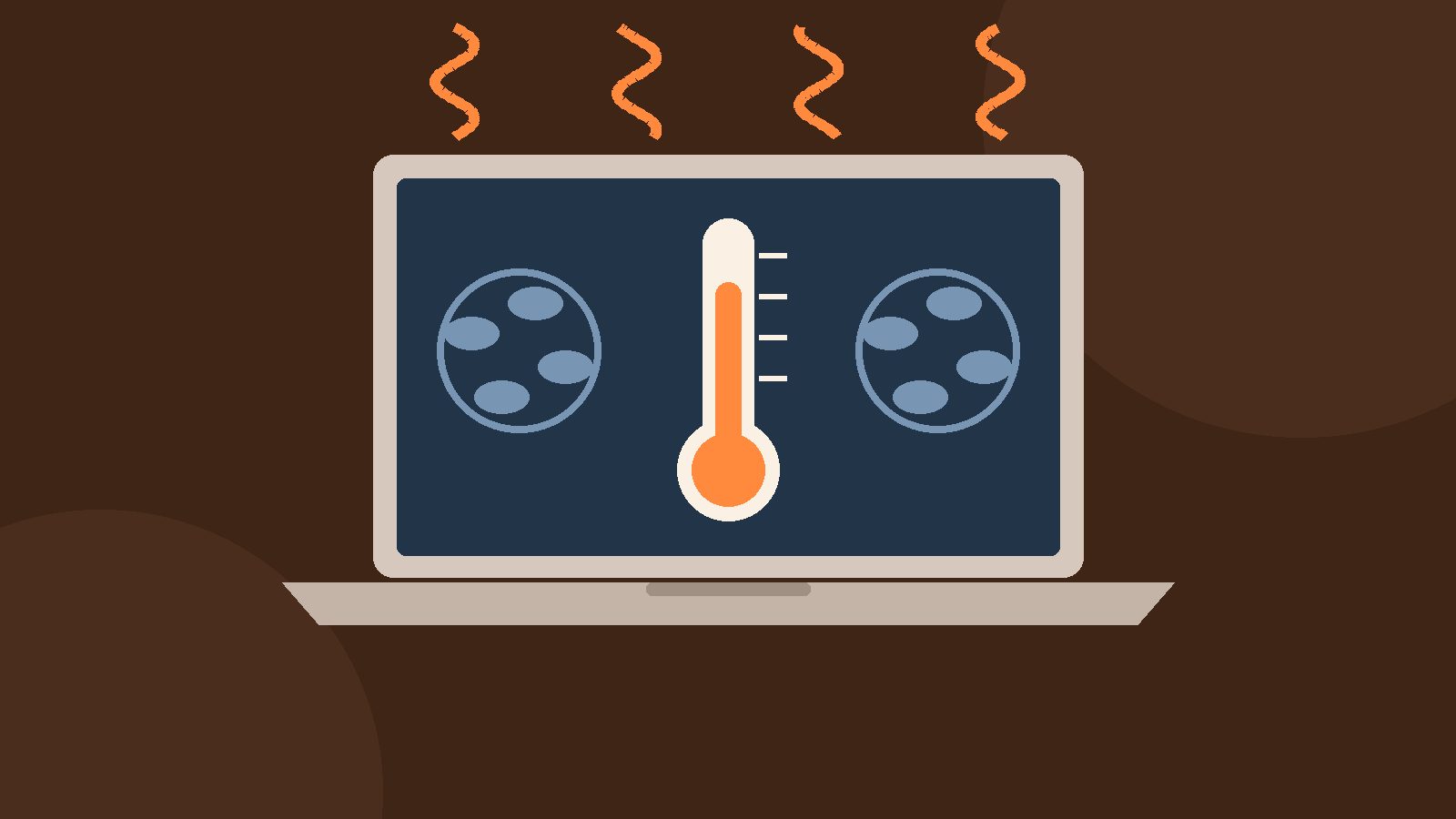
If your laptop is overheating, with the fans roaring and the bottom too hot to rest on your legs, you're not alone. A warm laptop is normal. One that freezes, shuts off or stays hot while doing nothing is not. Here's how to tell the difference, a few safe things to try at home, and when it makes sense to look into laptop overheating repair in Pflugerville or anywhere else around Austin.
Is my laptop overheating, or just warm?
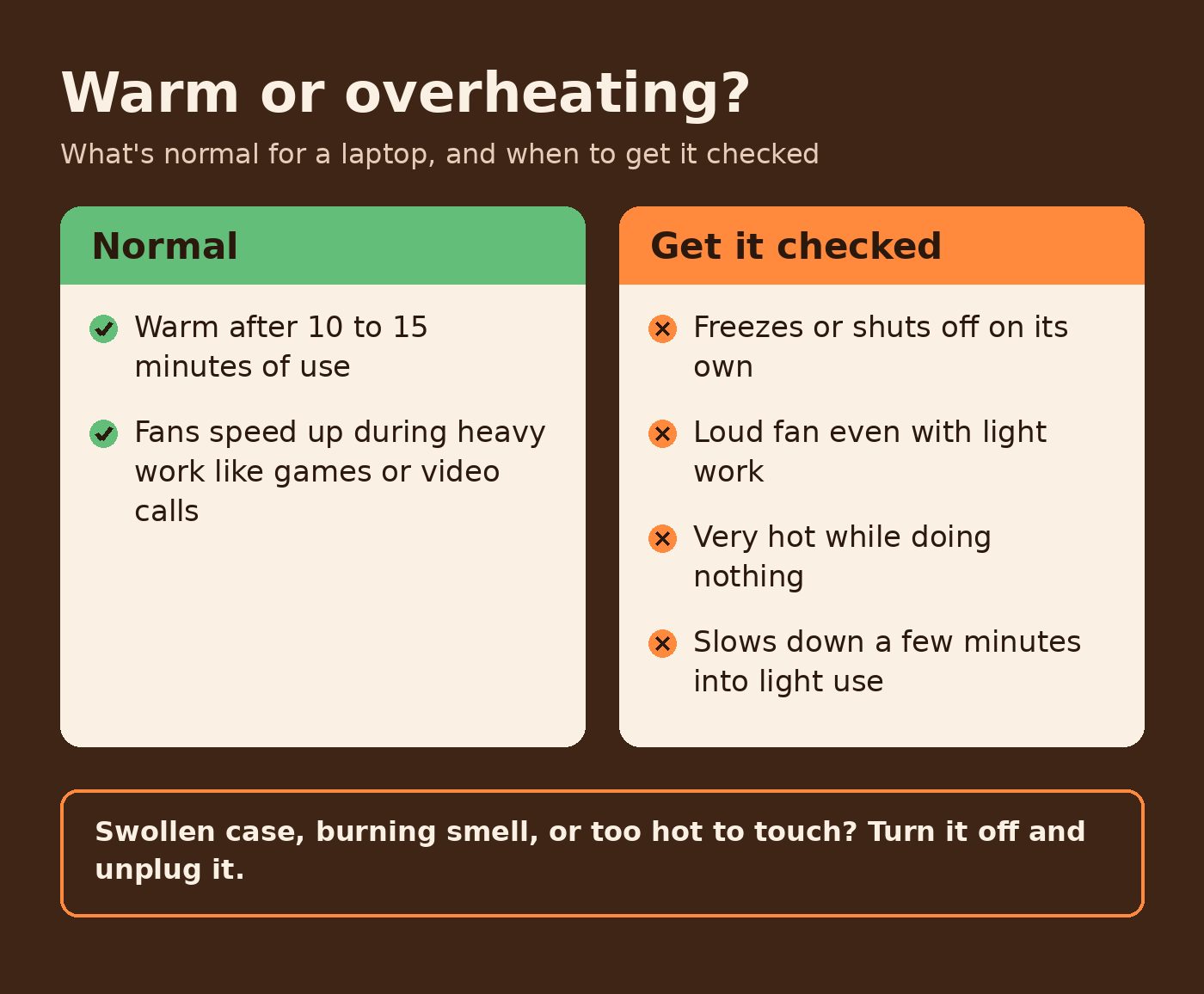
Laptops get warm. Dell's support team says it's normal for a laptop to feel warm after 10 to 15 minutes of steady use, and fans speed up during heavy work like games or video calls. That's the cooling system doing its job.
These are the signs that point to a real heat problem, based on Dell's guide to overheating and shutdowns:
- It freezes, stops responding, restarts or shuts off on its own.
- You hear a loud fan even with light work, like email or a web page.
- It feels very hot while doing nothing, and the fans keep running fast.
- It slows down a few minutes into light use.
Why laptops run hot
Most of the time it comes down to air. A laptop pulls in cool air, pushes it across the hot parts and blows it out the vents. Anything that gets in the way of that makes it run hotter.
- Blocked vents. Beds, pillows, couches and laps cover the openings.
- Dust. Dust on the cooling fins keeps air from flowing, so the fan works harder and louder.
- A hot room or a hot car. Apple says to use a Mac laptop where the room is between 50 and 95°F (10 and 35°C), and not to leave it in a parked car.
- An app working overtime. One stuck process can keep the processor busy and the fans spinning.
- Old software. Missing system updates and drivers can play a part too.
Quick fixes to try today
- Move it to a hard, flat surface. Apple says not to use a Mac laptop in bed, on a pillow or under bedding. Dell recommends a hard, flat, non-cloth surface so air can reach the fan.
- Keep the vents clear. Nothing on the keyboard, nothing covering the openings.
- Check what's running. On a Mac, open Activity Monitor and look for anything using a lot of CPU. On Windows, open Task Manager with Ctrl + Shift + Esc. Close what you don't need, then restart.
- Install updates. Get the latest macOS or Windows updates. On Windows laptops, also check for driver and BIOS updates from the maker.
- Watch the heat outside the laptop. A parked car in Central Texas gets hot fast, so bring the laptop inside with you.
- Try a cooling pad. Dell mentions a pad with its own fans as a way to add airflow.
Skip the temperature apps
It's tempting to download an app that shows a big temperature number. Apple's laptop temperature guide points out that those apps don't measure the outside of the case, which runs much cooler than the inside, and says not to use them to diagnose hardware problems. How the laptop acts tells you more.
When to stop and get help
Some signs mean it's time to put the laptop down. Dell's advice: if the case looks swollen, you smell burning or chemicals, or it's too hot to touch even after it's off, turn it off, unplug the charger and stop using it. Don't open it up or try to pull out a swollen battery yourself.
It's also worth getting it checked if you've tried the quick fixes and it still freezes, shuts off or runs the fan nonstop. Cleaning dust off the fan and cooling fins usually means opening the case, and that's easy to get wrong if you haven't done it before.
Laptop overheating repair in Pflugerville and around Austin
Overheating and loud fans are on our list of laptop repairs, for MacBooks and Windows laptops. We start with a free diagnostic and a clear quote before any paid work. No fix, no pay.
We're curbside only. A tech picks up your laptop at your home, your office or a public spot like a coffee shop, then brings it back. We cover Pflugerville, Austin, Round Rock, Georgetown, Hutto and the rest of the Austin metro. Most laptop repairs take 24 to 48 hours. Please back up your files first, just to be safe.
Laptop running hot? Tell us what's going on or call (512) 649-5492, and we'll take a look.