Buying a Used Drone in Cedar Park? What to Check Before You Pay
Buying a used drone in Cedar Park? Check the account lock, batteries, gimbal, motors and test flight before you pay, so a good deal stays a good deal.
Thinking about buying a used drone in Cedar Park or anywhere around Austin? It can be a nice way to get a good camera in the air. The catch: a drone that looks clean can still be tied to someone else's account, or come with tired batteries. The good news is most of this takes a few minutes to check, right there in the parking lot, before you pay.
Start with the account lock. If you only do one thing, do that. Here's the full list.
Why used drones are worth a look right now
In December 2025 the FCC added foreign-made drones to its Covered List, so new models from those makers can't get FCC authorization. But the FCC's fact sheet says the update doesn't stop the import, sale or use of existing models it already authorized, and that people can keep using drones they already have. So if you're shopping, older models are likely where you'll end up anyway.
Older drones are still getting attention, too. In May the FCC extended a waiver that lets previously authorized drones keep receiving certain software updates through at least January 1, 2029. And in late October, DJI sent out firmware for older models like the Mini 2, Air 2S and Mini 3 Pro. These rules have moved a few times, so look up the current status of the exact model you want.
How to check a used drone before you buy: 7 things
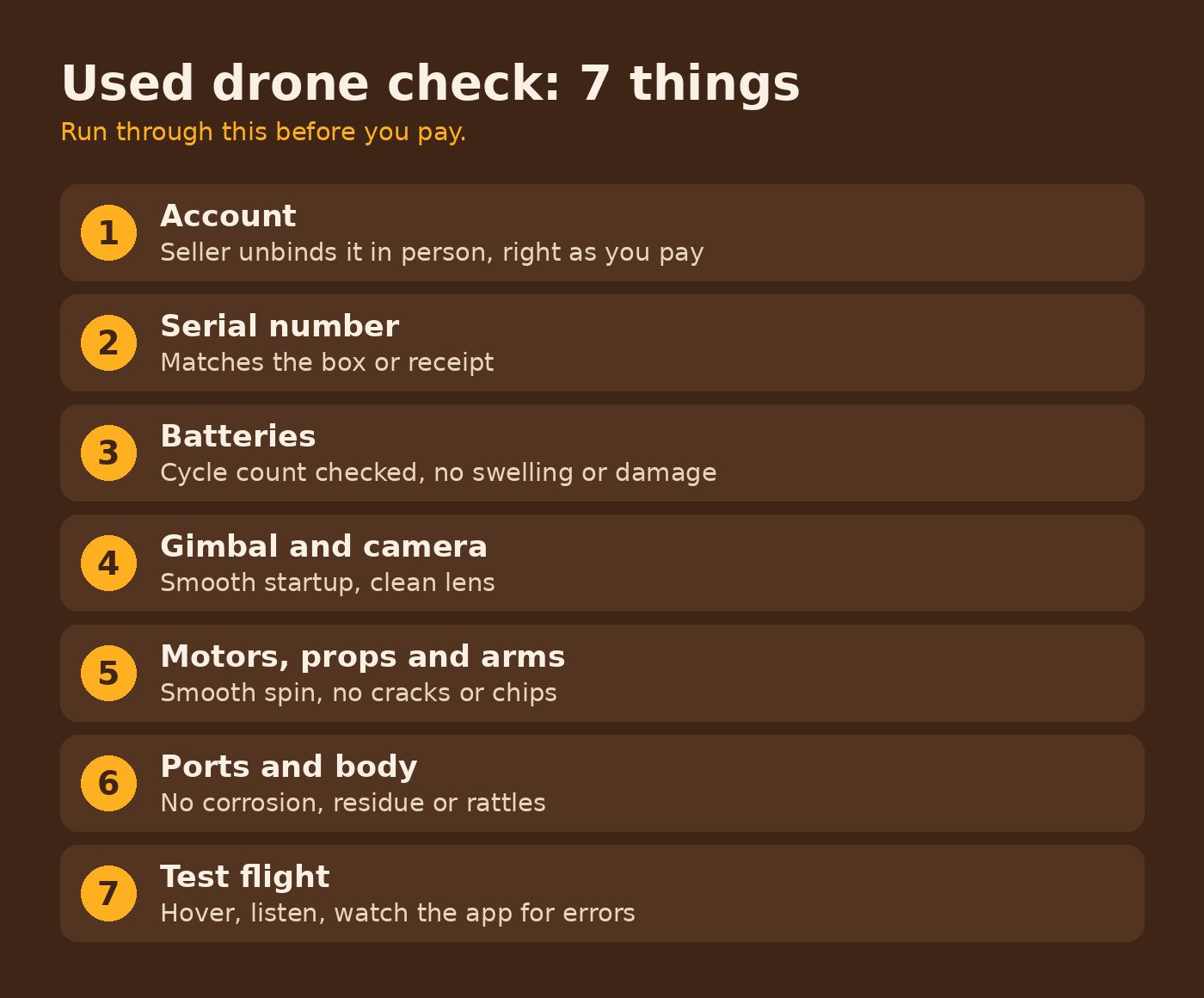
1. Get the account unbound in person
This is the big one. DJI drones are usually bound to the owner's DJI account, and DJI's guide for second-hand drones says only that account owner can unbind it. If the seller stops answering or refuses, DJI says it can't help you.
So ask the seller to do it while you're standing there. In the DJI Fly app, they go to Profile, then Device Management, and remove the drone. DJI suggests unbinding once the sale is confirmed, so do it right as you pay. Then bind it to your own account and make sure it shows up in your Device Management.
Why it matters: DJI says an unbound controller limits how many flights you get, and without a logged-in account flight is capped at 30 meters high and 50 meters out. Buying another brand? Ask how that maker's account lock works before you meet.
2. Match the serial number
Ask to see the box or a receipt, and check that the serial number matches the drone. No paperwork isn't always a deal breaker, but you want a story that makes sense.
3. Look hard at the batteries
Batteries are often the first thing to wear out. On smart batteries, the drone's app can show a cycle count, so check it on every battery in the bundle. Fewer cycles is better.
Then look at each one. DJI's safety guide says never to use or charge a swollen, leaky or damaged battery, so pass on any that look puffy, dented or cracked. A battery that's hard to slide in or out is another hint. Also ask how they were stored, since DJI warns against leaving a battery fully drained for a long time.
4. Watch the gimbal and camera
Power it on and watch the gimbal wake up. It should move smoothly through its startup. Jerky or grinding movement, or an error in the app, can point to crash damage. Check the lens with a flashlight for scratches, then record a short clip and watch it on a bigger screen.
5. Check motors, props and arms
With the drone off, spin each motor by hand. It should feel smooth, not gritty. Look for hairline cracks on the arms and around the motor mounts, plus chipped props. A part that looks newer than the rest can mean a past repair. That's not always bad, just ask about it.
6. Inspect the ports and body
Look in the charging port and SD slot for corrosion or white residue, which can mean it got wet. Then gently shake it with the power off and listen for rattles.
7. Ask for a test flight
Do a short hover in an open spot where flying is allowed. Listen for clicks or uneven motor sounds, and watch the app for errors. Make sure the controller connects, and ask to see the flight history in the app. If a seller won't let you test it, that's your cue to pass.
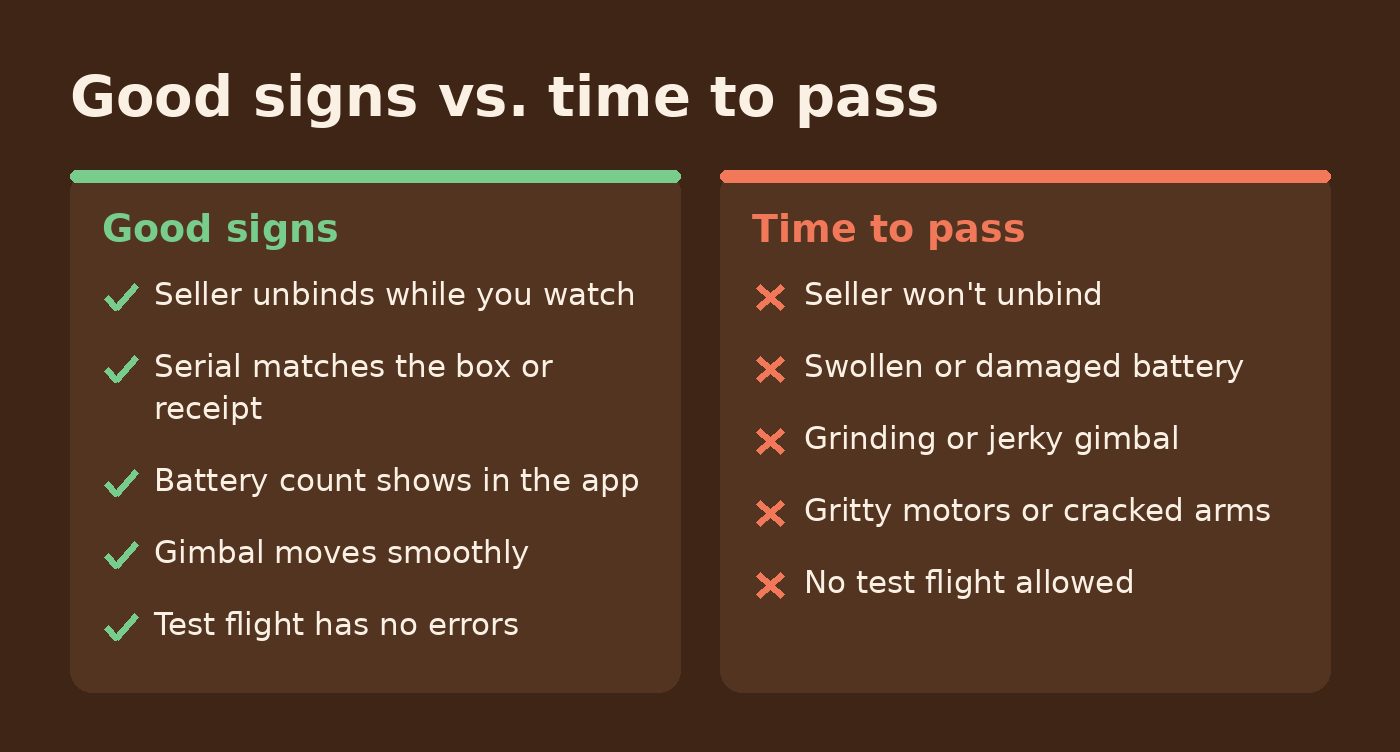
- Good signs: the seller unbinds while you watch, the serial matches the box or receipt, the battery count shows in the app, the gimbal moves smoothly, and the test flight has no errors.
- Time to pass: the seller won't unbind, a swollen or damaged battery, a grinding or jerky gimbal, gritty motors or cracked arms, or no test flight allowed.
After you buy: FAA basics
The FAA has its own rules, so read its drone registration page before your first flight. For recreational flying, it says drones that weigh 250 grams or more need to be registered, and that one registration covers all your drones and lasts three years. Register under your own name and put your number on the drone.
The FAA also says drones that have to be registered need to follow its Remote ID rule, either built in or with an add-on module. Ask the seller which one yours has.
Used drone acting up, or got one to sell?
We repair drones too, including motor problems and crash damage to the gimbal or camera. If your new-to-you drone isn't flying right, we offer a free diagnostic and a clear quote before any paid work, and it's no fix, no pay. We're curbside only across Cedar Park and the Austin metro: a tech picks it up at your home, office or a coffee shop, then brings it back.
Got a drone you'd rather sell? Tell us what you've got or call (512) 649-5492. We look at each device case by case, and any price is an estimate until we see it in person.