Sell My PS4 or PS5 in Austin Before GTA 6: How to Prep Your Console
Selling your PS4 or PS5 in Austin before GTA 6 arrives? Here's how to back up your saves, reset the console and get it ready for its next owner.
GTA 6 comes out on Thursday, November 19, 2026, and it's coming to PS5 and Xbox Series X|S, not PS4 (VICE). So if you've been thinking "time to sell my PS4 in Austin" and upgrade, or you have a PS5 that mostly collects dust, now is a good moment to get the old console ready. Here's how to do it without losing your saves or leaving your account on it.
Quick answer: how to get your PS4 or PS5 ready to sell
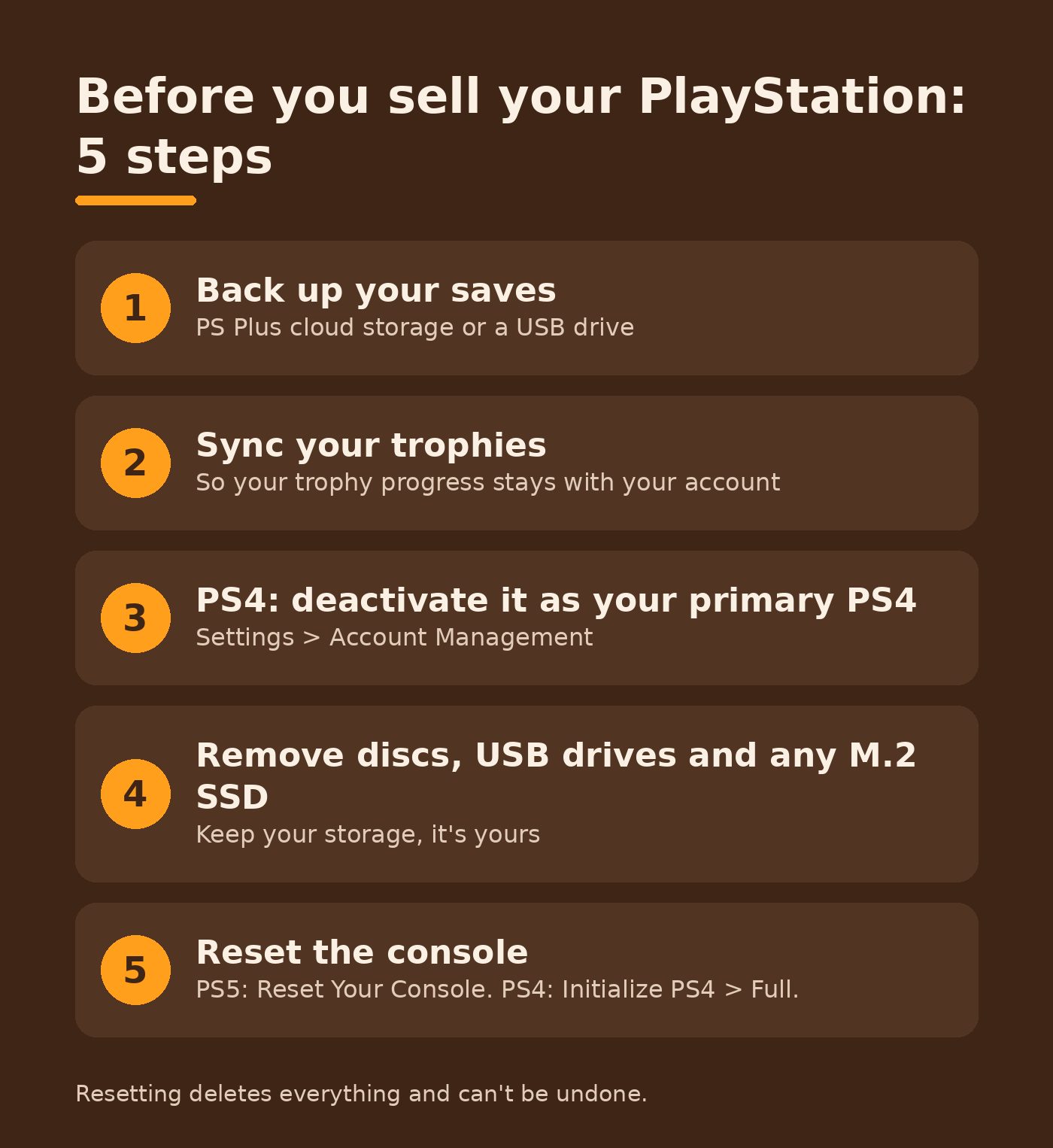
Here's the short version. Do these five things before your console leaves the house:
- Back up your saves to PS Plus cloud storage or a USB drive.
- Sync your trophies, so your trophy progress stays with your account.
- PS4: deactivate it as your primary PS4 in Settings > Account Management.
- Remove discs, USB drives and any M.2 SSD. Keep your storage, it's yours.
- Reset the console. On PS5 it's Reset Your Console. On PS4 it's Initialize PS4 > Full.
Step by step: prepping your PlayStation to sell
1. Back up your saves and write down the serial number
A reset wipes everything on the console, so save what you care about first. PlayStation Support lists a few ways: upload your saved data to PlayStation Plus cloud storage, copy it to a USB drive, or make a full backup file of the console's data. Sony also suggests writing down your console's serial number and keeping it somewhere safe.
2. Sync your trophies
Sony recommends syncing your trophies by hand before a reset, so you don't lose any trophy data. It only takes a minute.
3. PS4 owners: deactivate it as your primary PS4
Your account can have one primary PS4. To switch that off on the console, go to Settings > Account Management > Activate as Your Primary PS4 and choose Deactivate. Do it while the console is still in your hands. Sony does let you deactivate your devices remotely, but only once every six months (PlayStation Support), so it's easier to take care of it now.
4. Pull out discs, USB drives and any M.2 SSD
Check the disc drive and every USB port. If you added an M.2 SSD to your PS5 for extra storage and want to keep it, Sony says to take it out before you hand the console off.
5. Reset the console
This is the step that clears your account and data off the console. Sony is clear that it can't be undone, so save it for last:
- PS5: Settings > System > System Software > Reset Options > Reset Your Console.
- PS4: Settings > Initialization > Initialize PS4 > Full.
Heads up: Restore Default Settings is a different option. It only resets things like your visual and audio settings and keeps your user and game data, so it's not the one you want before selling.
Selling an Xbox instead? Same idea: back up, sign out, and do the full factory reset from the console's settings that removes everything. Xbox Support has the steps for each model.
What people check on a used console
Every console is a little different, but these questions come up almost every time someone looks at a used one:
- Does it power on and put a picture on the TV?
- If it has a disc drive, does it read discs?
- Is there a working controller with it?
- Is it clean, without heavy dust packed in the vents?
- Is it signed out and reset, so the next owner can set it up?
- Is it yours to sell: paid off and not reported lost or stolen?
Console acting up? Fix it or sell it as is
Stick drift, a loose HDMI port or a console that runs hot doesn't have to stop you. We repair PlayStation, Xbox and Nintendo Switch consoles and controllers, with a free diagnostic and a clear quote before any paid work. No fix, no pay. See console repair. Or just mention the problem when you reach out to sell, and we'll look at it case by case.
Selling your console to Damage Control in Austin
We're a family-owned mobile repair service, and we buy used consoles, phones, tablets and laptops around the Austin area, from Round Rock and Cedar Park down to Kyle and Buda. Here's how it works:
- Tell us what you've got: the model, its condition and your asking price. Photos help.
- We get back to you. Every device is looked at case by case, and any price is an estimate until we see it in person.
- If we both agree, a tech meets you curbside at your home, your office or a public spot like a coffee shop and checks the console.
You'll need to be 18 or older with a photo ID.
Clearing some space before GTA 6? Tell us what you've got, call us at (512) 649-5492 or email hello@idamagecontrol.com.