Buying a Used Nintendo Switch in Manor? 7 Things to Check Before You Pay
Buying a used Nintendo Switch in Manor? Check the sticks, screen, battery, online access and reset in a few minutes, before you hand over any money.
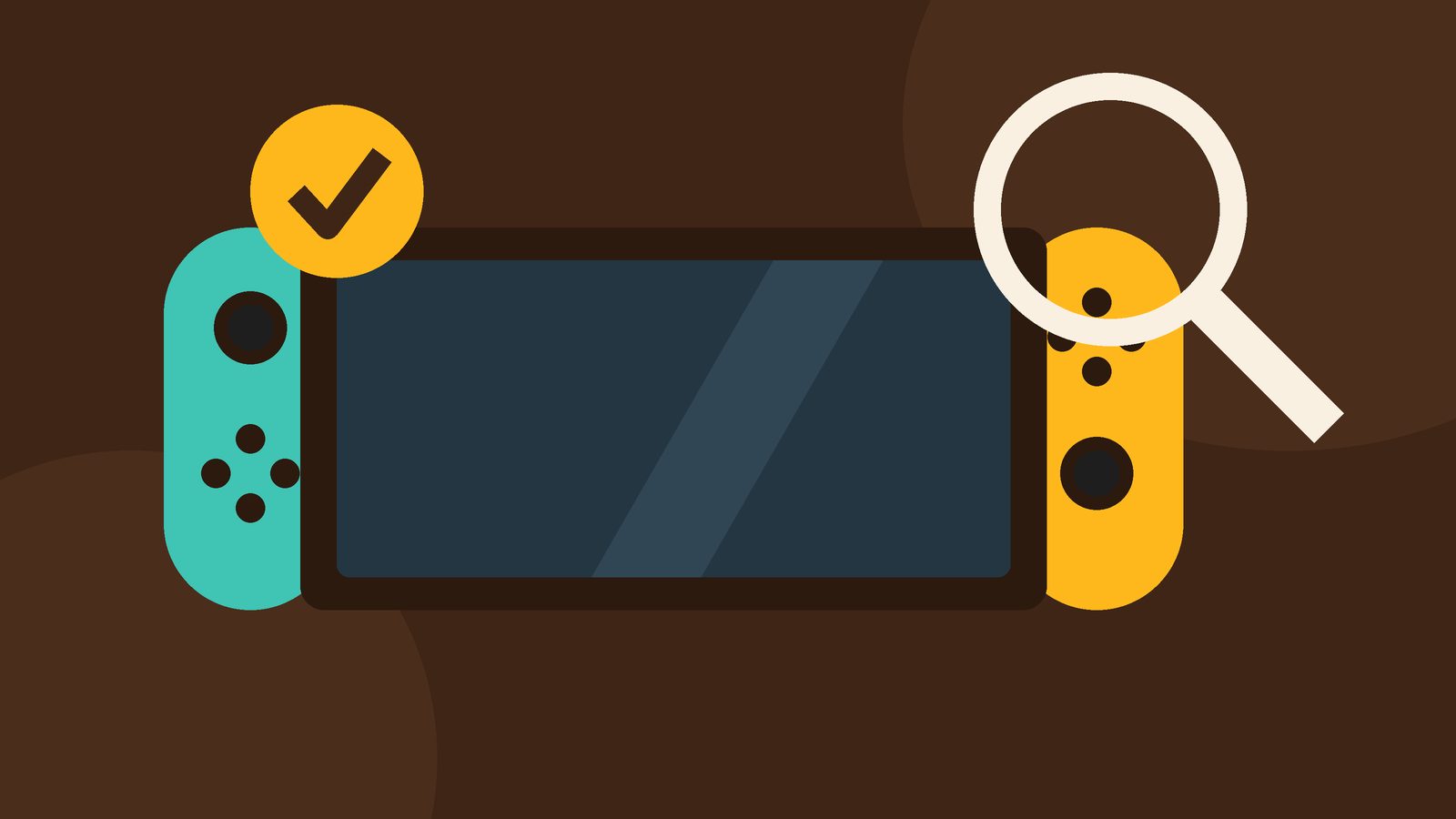
Buying a used Nintendo Switch in Manor or anywhere around Austin can save you money, and with the holidays coming up, a used Switch makes a great gift. The catch: a console can look perfect and still have drifting sticks, a tired battery or the last owner's account on it. The good news is you can check almost everything in a few minutes, right there with the seller.
Here's the short version: turn it on, test the sticks, try a game, get it online, and make sure it's been reset before any money changes hands. The details are below.
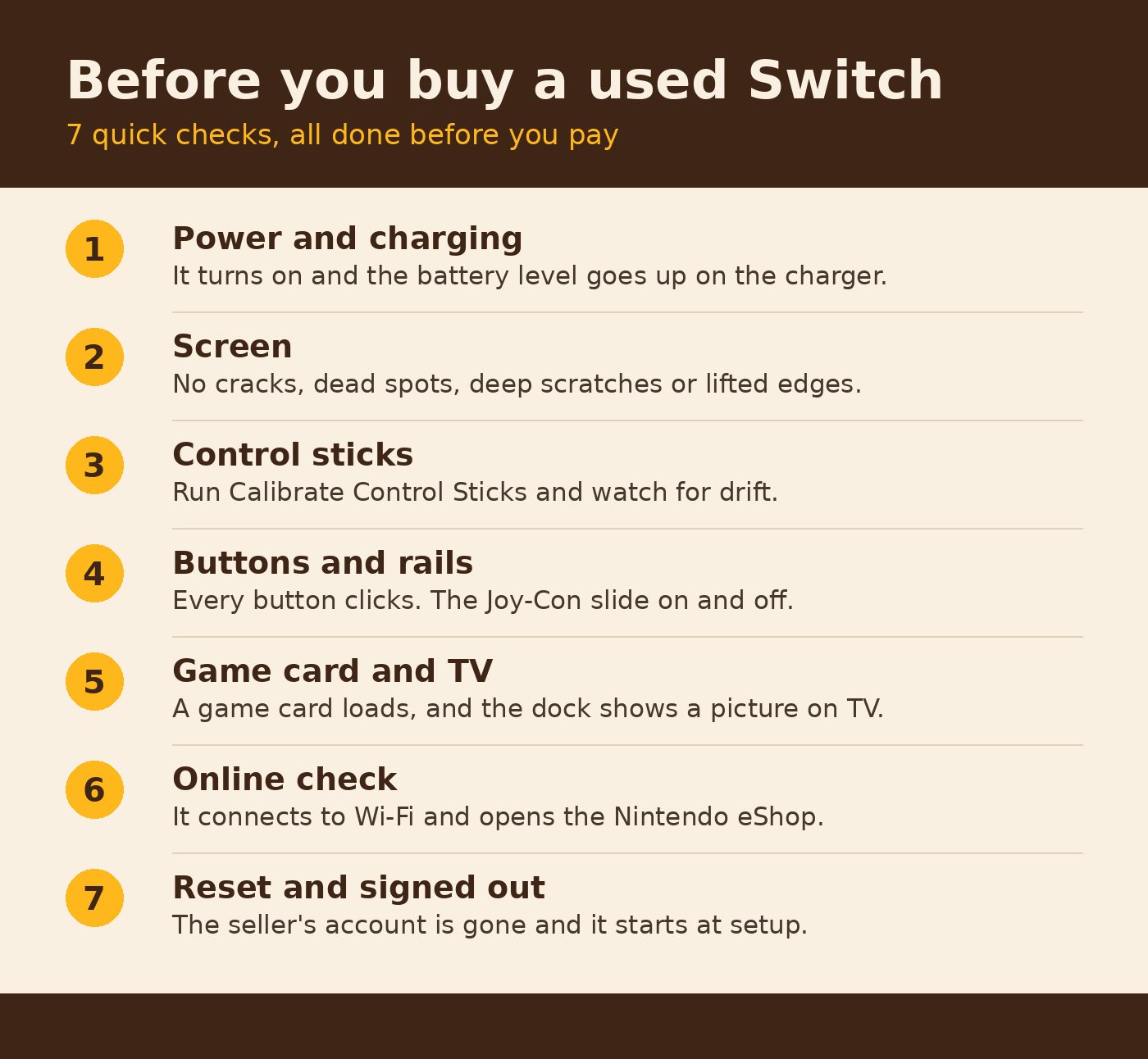
7 things to check before buying a used Nintendo Switch
1. It powers on and charges
Ask the seller to bring the charger. Turn the console on, then plug it in and make sure the battery level goes up. If it only works while plugged in, or the battery percentage jumps around, that's worth asking about.
2. The screen looks clean
Look at the screen on a bright, plain background and then on a dark one. You're looking for cracks, dead spots, deep scratches, or an edge that looks lifted. A screen or case that doesn't sit flat can be a sign of a problem inside, like a battery issue, so skip that one.
3. The control sticks don't drift
Stick drift is when the character or cursor moves on its own. It's much easier to catch now than after you've paid. Go to System Settings, then Controllers and Sensors (on Switch 2 it's Controllers & Accessories), then Calibrate Control Sticks. Nintendo walks through it in its calibration guide. Let go of each stick and watch: if the screen shows it moving when you're not touching it, that's drift.
4. Every button and the Joy-Con rails work
Press every button, including the triggers, the shoulder buttons and the stick clicks. Slide each Joy-Con off and back on. They should click into place and the console should notice them.
5. A game loads and the TV works
Pop in a game card and make sure it loads. If the Switch comes with a dock, plug it into a TV and check that you get a picture. No picture on the TV can point to a dock or port problem.
6. It gets online
Connect it to your phone's hotspot or the seller's Wi-Fi and open the Nintendo eShop. A console that Nintendo has banned from online play shows the message "The use of online services on this console is currently restricted by Nintendo." (Nintendo explains it on its error code page.) If you see that, walk away.
7. It's been reset and signed out
The seller's Nintendo Account should be off the console. The cleanest way is a full reset, which Nintendo calls Initialize Console (System Settings, System, Formatting Options on the original Switch). Nintendo's reset guide notes the console tries to connect to the internet to unlink accounts, and if it's offline it stays registered as the seller's primary console. So do it together, with Wi-Fi on. When it's done, the Switch should start at the setup screens like a new one.
A few more tips for a safe meetup
- Meet somewhere public and well lit, with an outlet and Wi-Fi if you can, like a coffee shop.
- Bring a game card you know works, so you can test the slot.
- Ask how old it is and whether it's ever been repaired. Honest sellers usually don't mind.
- If the seller won't let you turn it on or test it, that's your answer.
Already bought one with a problem?
It happens. Drift, a cracked screen, a battery that won't hold a charge, or a dock that won't show a picture are all things we look at. Damage Control is a family owned mobile repair service that works on Nintendo Switch consoles and controllers around Austin, including Manor. Diagnostics are free, you get a clear quote before any paid work, and if we can't fix it, you don't pay.
It's curbside only: a tech picks your Switch up at your home, office or a spot like a coffee shop, and brings it back when it's done. Repairs come with a 90-day warranty on parts and work (it doesn't cover new physical damage after the repair).
Rather skip the guesswork?
We also sell used devices that have been tested and cleaned. What's in stock changes, so see what's listed right now.
Got a Switch acting up? Request a free console diagnostic, call or text us at (512) 649-5492, or tell us what you've got.