Phone Water Damage in Lakeway? What to Do Right After It Gets Wet
Phone got wet in Lakeway? Here's what to do right away, why rice is a bad idea, what liquid warnings mean, and when water damaged phone repair makes sense.
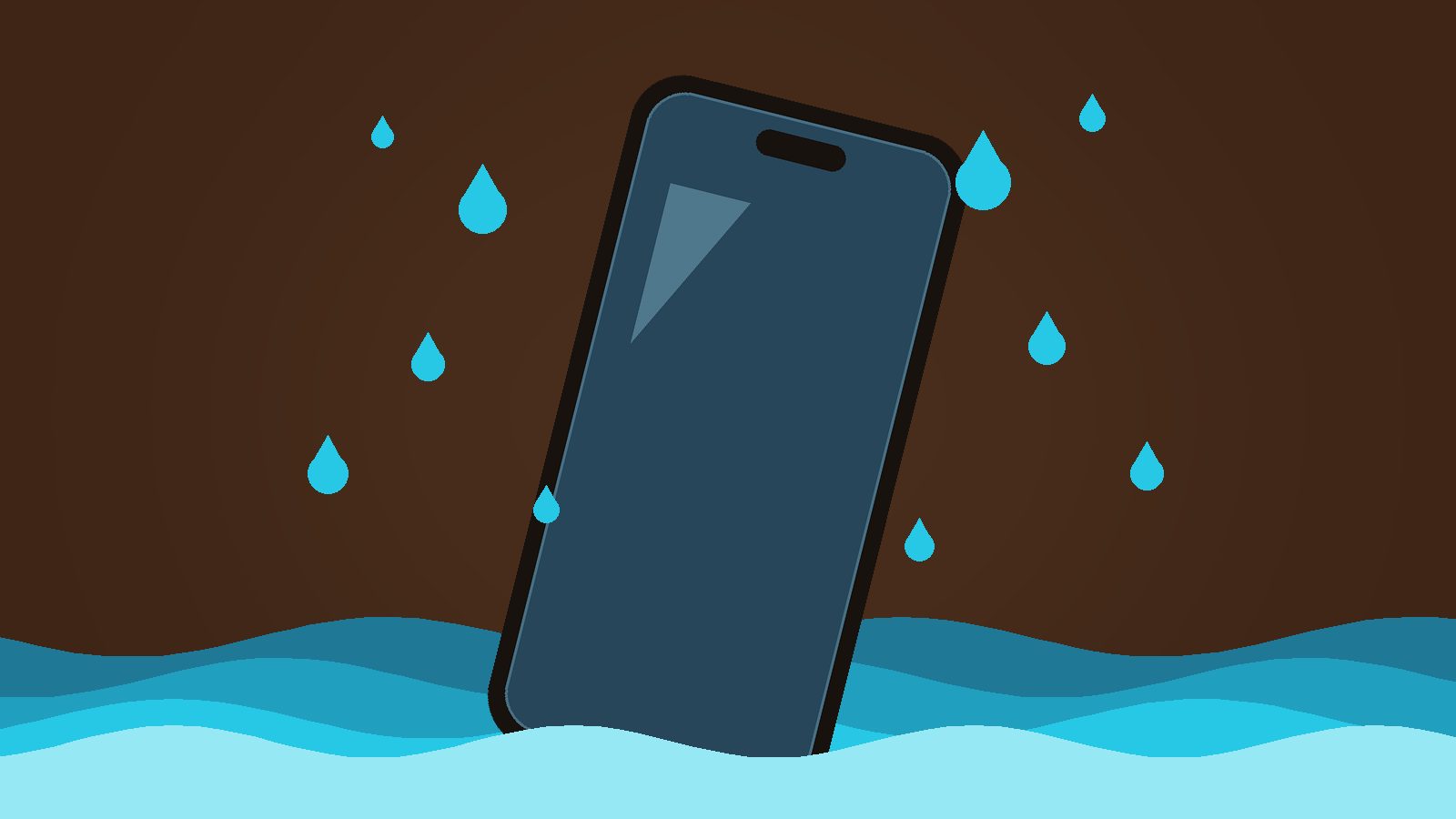
Phone took a swim in Lake Travis, the pool or the kitchen sink? It happens to everybody. If you're looking up water damaged phone repair in Lakeway, here's the short answer first: unplug it, don't charge it, gently get the water out and let it air dry. If it still acts up once it's dry, have it checked.
Below is what to do step by step, what to skip (yes, rice), and what those liquid warnings on your screen actually mean.
What to do right after your phone gets wet
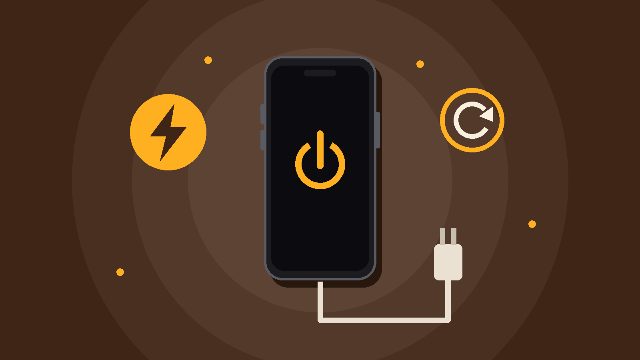
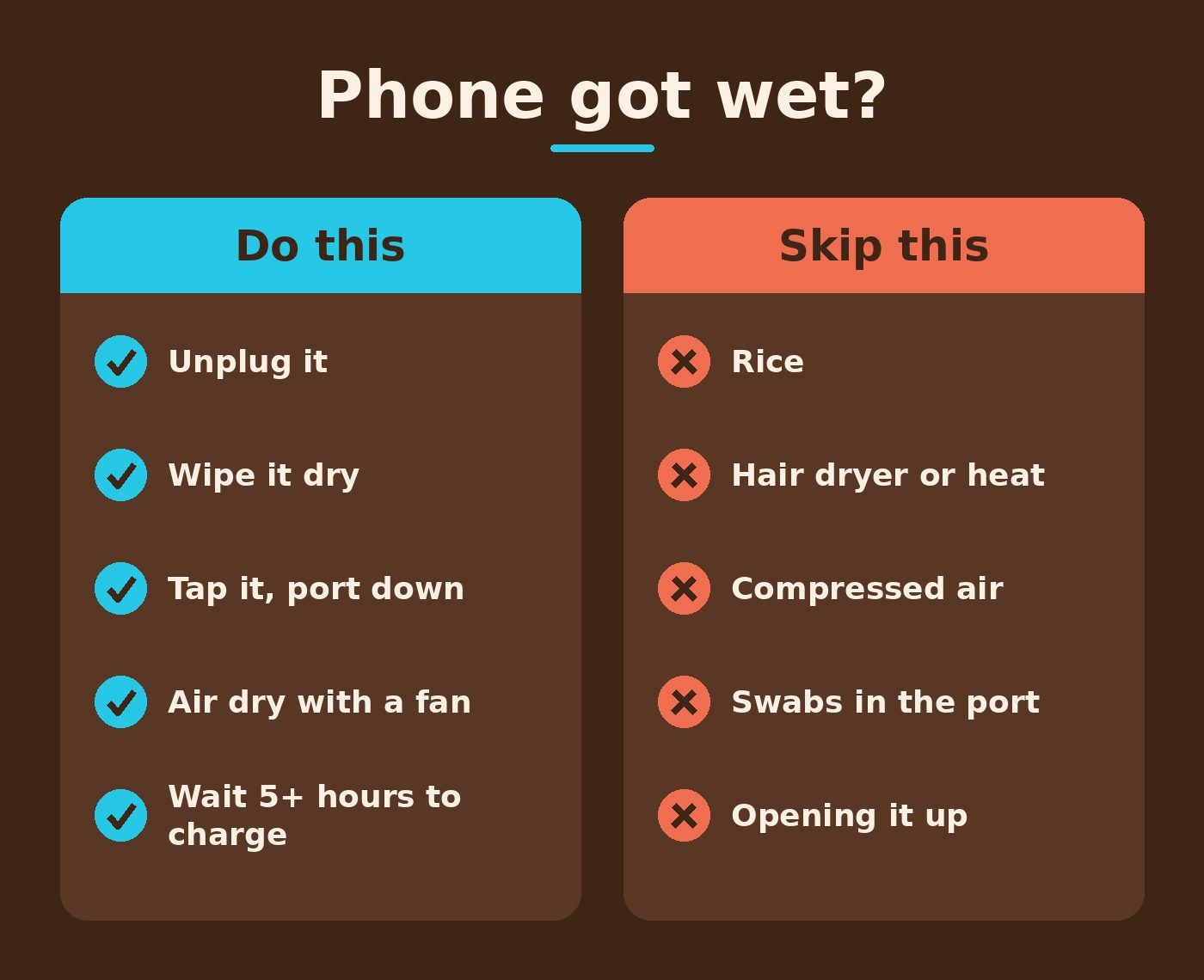
- Unplug it. If it's on a charger or has anything plugged in, disconnect it all.
- Wipe it dry with a soft, lint-free cloth.
- Tap it, port down. Gently tap the phone against your hand with the charging port facing down to shake out extra water.
- Air dry with a fan. Leave it in a dry spot with some airflow. Apple says a fan blowing cool air into the port may help.
- Wait 5+ hours to charge. For iPhone 7 and later, Apple says to wait at least 5 hours before charging with a cable or plugging in an accessory.
- Back up when you can. Once it's safe to use, back up your photos and files, just in case.
Was it something other than water, like a drink? Apple's advice for iPhone is to rinse the affected area with tap water, then wipe it off with a soft, lint-free cloth.
If the speaker sounds muffled, Apple suggests setting the phone speaker side down on a cloth to see if water drips out. Water in the port can affect the sound until it dries.
What to skip (yes, that includes rice)
- Rice. Apple says not to put an iPhone in a bag of rice, because small grains can damage it.
- Hair dryer or heat. No hair dryer, oven or other outside heat source.
- Compressed air. Apple says to skip it.
- Swabs in the port. Don't push cotton swabs or paper towel into the charging port.
- Opening it up. Apple lists taking the phone apart, including removing screws, among the things that can affect its water resistance.
What the liquid warning on your phone means
On an iPhone
Newer iPhones can show an alert like "Liquid Detected in USB-C Connector" or "Charging not available" when they sense liquid in the port or on the cable. Charging and accessories are blocked until things are dry, to protect the phone.
Apple says to unplug, tap the phone connector side down, leave it somewhere dry with some airflow, and try again after at least 30 minutes. It can take up to 24 hours to dry fully. There's an emergency override that lets you charge anyway, but Apple advises against charging while it's wet, because liquid can corrode the connector pins. Details are on Apple's liquid detection page.
On a Samsung Galaxy
Galaxy phones can show a water drop icon and stop charging when they detect moisture in the USB port. Samsung's advice is to power the phone off, let it dry completely, wipe it with a dry cloth or gently shake it port down, and air dry it in a ventilated spot or with a fan. Samsung also notes that high humidity can trigger the icon even without any water. Here's Samsung's page on the water drop icon.
Isn't my phone waterproof?
Most newer phones are water resistant, not waterproof. Apple says splash, water and dust resistance are not permanent conditions and can decrease as a result of normal wear. Apple also tells iPhone owners to avoid swimming or bathing with the phone, showers and water sports, saunas and steam rooms, and drops. You can read the full list on Apple's water resistance page.
So a phone that shrugged off a splash when it was new may not handle the same dunk a few years later. That's normal wear, not bad luck.
Signs your phone needs water damage repair
Give it time to dry first. If any of these still happen after that, it's worth having a tech take a look:
- It won't turn on, or it shuts off on its own.
- It still won't charge, or the liquid warning keeps coming back.
- The sound stays muffled after it's had time to dry.
- You see fog, spots or lines under the screen or the camera lens.
- The screen flickers, or touch acts strange.
Water damage repair in Lakeway and around Austin
Damage Control is a family owned mobile repair service that covers Lakeway, Bee Cave and the rest of the Austin metro. We're curbside only: a tech picks your phone up at your home, your office or a public spot like a coffee shop, and brings it back when it's done.
The diagnostic is free, and you get a clear quote before any paid work. No fix, no pay. One honest note: liquid damage repairs are best effort and don't come with our 90-day warranty. If your phone still works at all, back it up before the repair, since we can't be responsible for data loss.
Phone got wet and still isn't right? Request a free diagnostic or call (512) 649-5492 and tell us what happened.