Sell My Samsung Phone in Buda: How to Prep Your Galaxy First
Want to sell your Samsung phone in Buda? Here's how to back up, sign out and reset your Galaxy the right way, so the sale goes smoothly for you and the buyer.
Thinking about trying to sell your Samsung phone in Buda or anywhere around Austin? Here's the short answer: back up your stuff, remove your Google and Samsung accounts, pull the SIM and microSD card, then do a factory data reset from Settings. The order matters, and the whole thing only takes a few minutes. Here's how to do each step, and why.
Quick checklist before you sell a Samsung phone
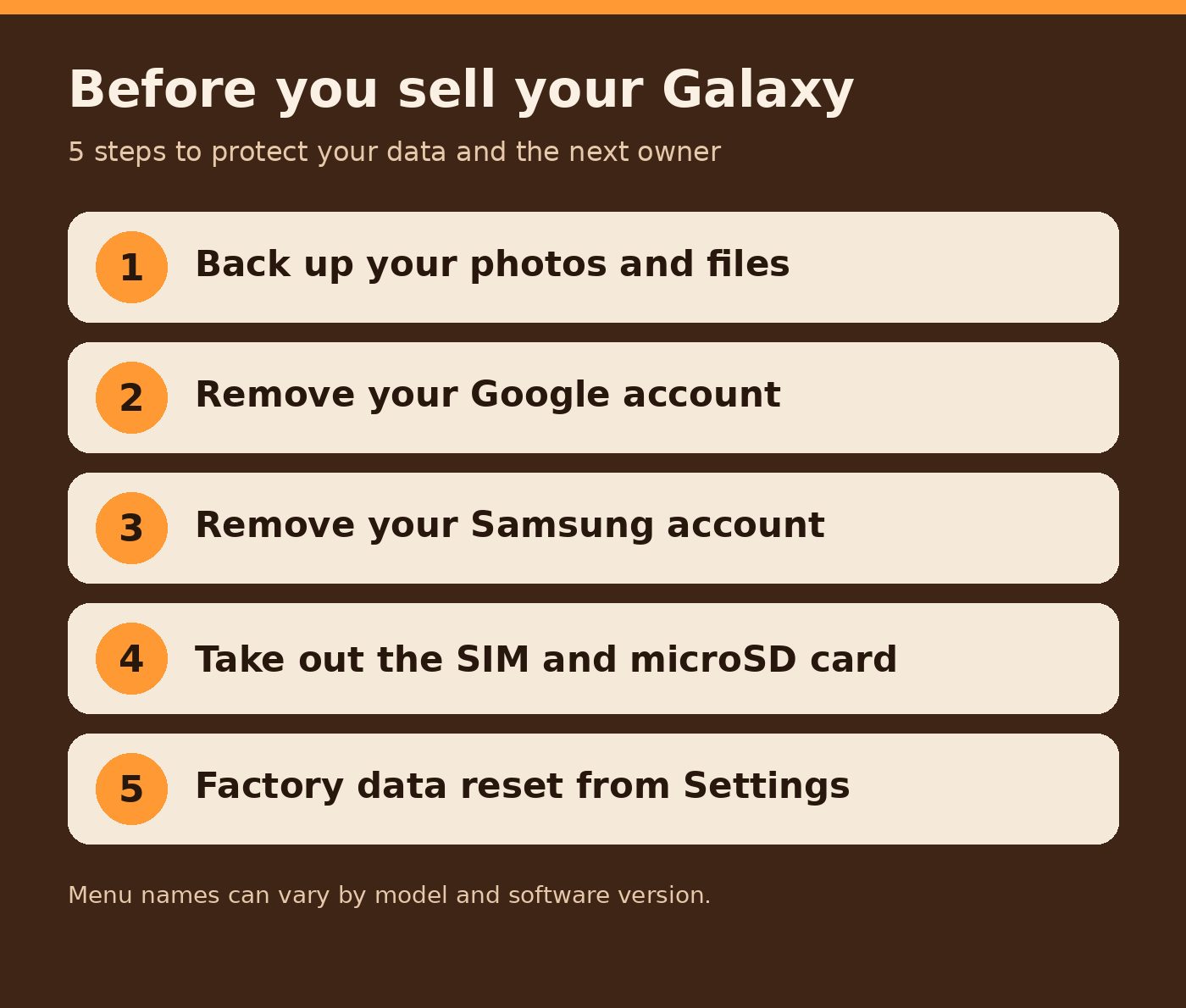
1. Back up your photos and files
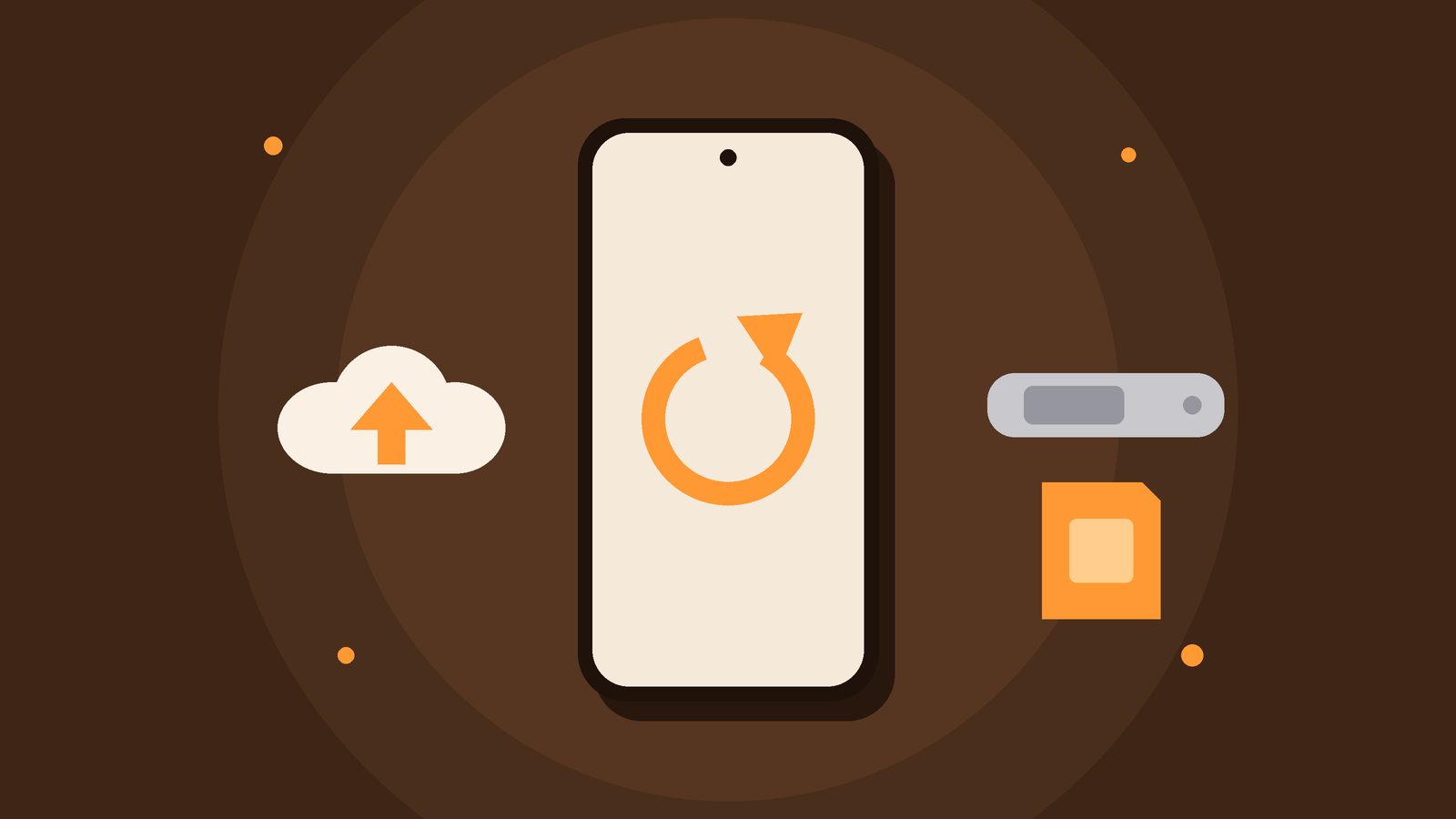
A factory reset erases everything on the phone. Samsung warns that personal information may not be recoverable after a reset, so save your photos, videos, contacts, messages and anything else you care about first. Make sure the backup actually finished before you move on.
2. Remove your Google account
This is the step people skip, and it's the one that causes the most trouble later. Google's Factory Reset Protection (FRP) is an anti-theft feature. After a reset, the phone may ask for the Google account that was on it before. That's great if your phone ever gets stolen, but it can stop the next owner from setting it up.
On most Galaxy phones:
- Open Settings and tap Accounts and backup.
- Tap Manage accounts, then pick your Google account.
- Tap Remove account, then tap it again to confirm.
If Google's device protection is on, you may need to verify it's you before the account comes off. This doesn't delete your Google account itself, it just takes it off this phone. Samsung walks through it on its remove accounts support page.
3. Remove your Samsung account
Same menu, different account. In Settings, go to Accounts and backup, then Manage accounts, and pick your Samsung account. Tap Remove account, then Sign out, and enter your Samsung account password. You'll need a Wi-Fi or data connection for this part.
If you skip it, the reset will ask for that Samsung account password anyway, so have it handy either way.
4. Take out the SIM and microSD card
Pop out your SIM card and any microSD card. If you encrypted your microSD card, Samsung says to decrypt it before you reset (search Settings for Decrypt SD card). Otherwise the phone can't read that card afterward.
5. Do a factory data reset from Settings
Now wipe it. On most Galaxy phones:
- Open Settings, then General management.
- Tap Reset, then Factory data reset, and read the info screen.
- Tap Reset, then Delete all. Enter your PIN, pattern or password if it asks.
The phone restarts at the setup screen, ready for its next owner. Use this Settings option instead of a button-combo reset: Samsung notes that FRP is triggered when a phone is reset any other way. Menu names can vary by model and software version, so if something looks a little different, search Settings for it. Samsung's factory reset guide has the details.
What a buyer will want to know
Whoever buys your phone, whether that's a local shop, a trade-in program or someone online, will ask a few questions. Have the answers ready:
- Is it paid off? Or is there still a balance with your carrier?
- Is it carrier locked? Some phones only work on one carrier until they're unlocked.
- Is it signed out? No Google or Samsung account left on it.
- Has it been reported lost or stolen? Buyers check this, so be upfront.
Selling your Galaxy around Buda
Damage Control is a family-owned mobile repair service in the Austin metro, and we buy used devices case by case, Samsung Galaxy phones included. We'll ask the same questions above. Any price is an estimate until we see the phone in person, and sellers need to be 18 or older with a photo ID.
We're curbside only. A tech meets you at your home, your office or a public spot like a coffee shop, in Buda, Kyle, Austin and nearby towns. Got a Galaxy sitting in a drawer? Tell us what you've got and we'll take a look.
Not ready to sell because the screen is cracked or the battery is tired? Repairs start with a free diagnostic and a clear quote before any paid work. Start at idamagecontrol.com or call (512) 649-5492.