Apple Watch Battery Draining Fast in Bee Cave? What to Check First
Apple Watch battery draining fast? Learn how to check battery health, the quick fixes to try today, and when a smartwatch repair really makes sense.
Is your Apple Watch battery draining fast, so it barely makes it to dinner? Most of the time the cause is a setting, a recent update or a battery that's simply getting older. Here's how to tell which one it is, what you can try today, and when it makes sense to have it looked at. We do curbside smartwatch repair across the Austin area, including Bee Cave, and this is what we'd tell a friend.
Why is my Apple Watch battery draining so fast?
A few common reasons show up again and again:
- A recent watchOS update. Apple says some update tasks keep running in the background for a while after an update, which can affect battery life for a few days.
- A weak connection. The watch uses the least power when it's connected to your iPhone over Bluetooth. Far from your phone or on a weak signal, it works harder.
- An always-on, bright screen. A display that never sleeps uses more power over a full day.
- Heat. Apple says Series and SE models work best between 32 and 95°F, and that the watch shouldn't be left in places like a car on hot days. A Texas summer afternoon can blow right past that.
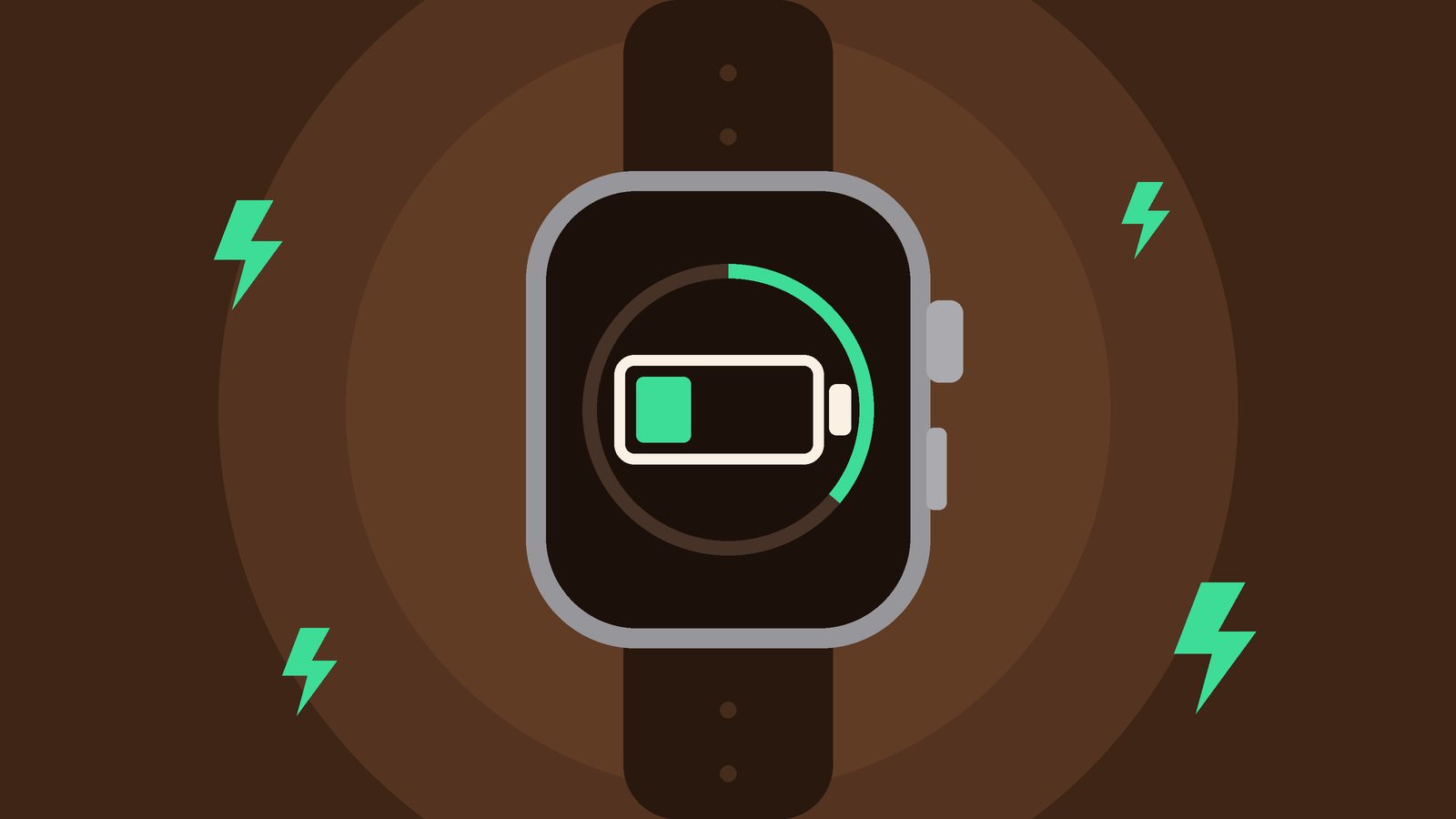
- An aging battery. Every battery wears down with use. Apple says the Apple Watch battery is designed to keep up to 80% of its original capacity at 1,000 complete charge cycles.
How to check your Apple Watch battery health
Your watch can tell you how worn its battery is. On the watch itself:
- Open Settings.
- Tap Battery.
- Tap Battery Health.
- Look at Maximum Capacity.
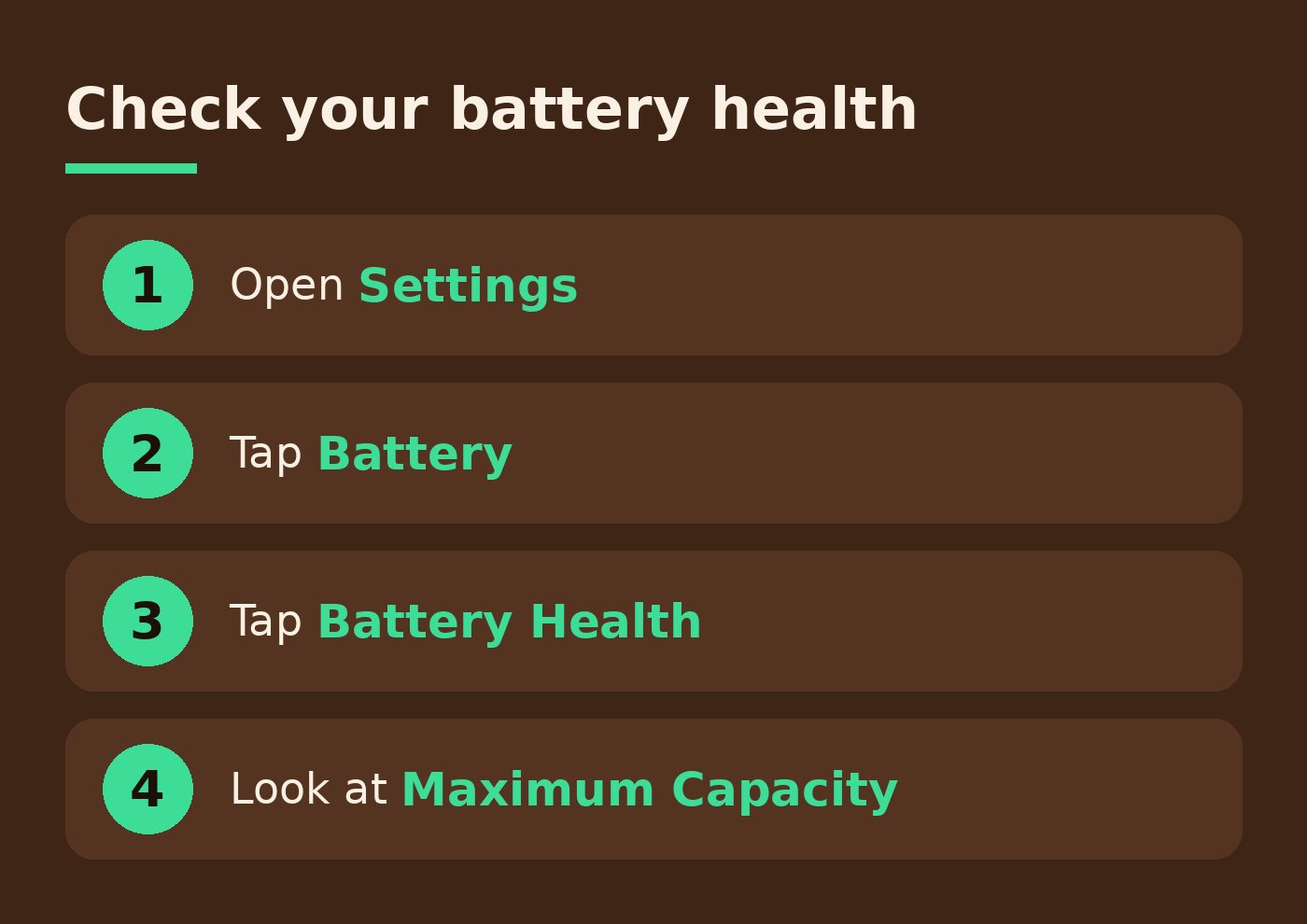
Maximum Capacity compares your battery today with when it was new. If that screen shows a Battery Needs Service message, the watch is telling you the battery is worn enough to replace. Apple walks through the same screen in its guide for when an Apple Watch battery drains too quickly.
What to try before a repair
Give a new update a few days
If the drain started right after an update, give it a few days and check again. The extra background work usually settles down on its own.
Keep your iPhone close
Wear the watch near your paired iPhone when you can. If your phone isn't nearby, Wi-Fi uses less power than cellular. Spending hours with no coverage at all, like a long day out on the lake? Airplane Mode keeps the watch from burning battery while it hunts for a signal.
Turn on Low Power Mode
Open Control Center, tap the battery percentage and turn on Low Power Mode. It also turns off Always On, and it switches itself off once the watch charges above 80%.
Keep it cool, especially while charging
Charge somewhere with some airflow, not under a pillow or in a hot car. If the watch gets too warm, it may charge slowly or stop charging until it cools down. If it ever shows a red thermometer, take it off and move it somewhere cooler. Apple's temperature guide has the details.
When it's time for a smartwatch repair
If Maximum Capacity is low, you see Battery Needs Service, or the watch still dies by midafternoon after these tweaks, the battery is probably the problem, not your settings. A watch that won't turn on, won't charge or feels hot on your wrist is worth a look too.
A quick word on DIY: the battery sits under the screen, which is sealed to the case. Opening it at home is fiddly, and it's easy to crack the display or damage the thin cables inside. This one is usually better left to a tech with the right tools.
Smartwatch repair in Bee Cave and around Austin
Damage Control is a family-owned mobile repair service covering Austin, Bee Cave, Lakeway and nearby cities. It's all curbside: a tech picks up your watch at your home, your office or a public spot like a coffee shop, and brings it back when it's done.
- Free diagnostic and a clear quote before any paid work.
- No fix, no pay.
- 90-day warranty on parts and work (it doesn't cover new physical damage after the repair).
Back up your data before any repair, just to be safe.
Watch not making it through the day? Request a free diagnostic or call (512) 649-5492 and tell us what's going on.