PS5 Overheating in Georgetown? What to Check Before GTA 6 Drops
PS5 overheating in Georgetown? See what's normal, what the heat warning means and 5 easy at-home checks to run before GTA 6 lands on November 19.
Is your PS5 overheating in Georgetown, or does the fan sound like a small jet? Start with the free stuff: give the console room to breathe, clear the dust off the vents, and only worry about a repair if that doesn't help. These checks take a few minutes, and now's a good time to do them. Grand Theft Auto VI is set for November 19 on PS5 and Xbox Series X|S, and long weekend sessions are a lot more fun when your console isn't cooking.
Is a loud PS5 fan normal?
Often, yes. Sony says the fan can run louder during some games and apps because it spins faster to cool the console. So a little extra noise in a big game doesn't mean anything is wrong.
These are the signs worth a closer look:
- A heat warning message on your screen
- A fan that's much louder than it used to be in the same game
- A console that shuts off while you're playing
- Vents covered in dust or pet hair
If you see the heat warning, stop playing
The PS5 manual says that if the console gets too hot, you'll see a notification on screen. It also says to turn the console off and wait until it cools down, because continued use while the message shows may leave the console nonoperational. So save the mission for later and give it a break.
One small tip: don't yank the power cord right away. Sony says to wait until the power indicator has turned off before you unplug it or move it.
5 PS5 overheating checks you can do at home
Once it's cool, run through these. All of them come from Sony's own guidance.
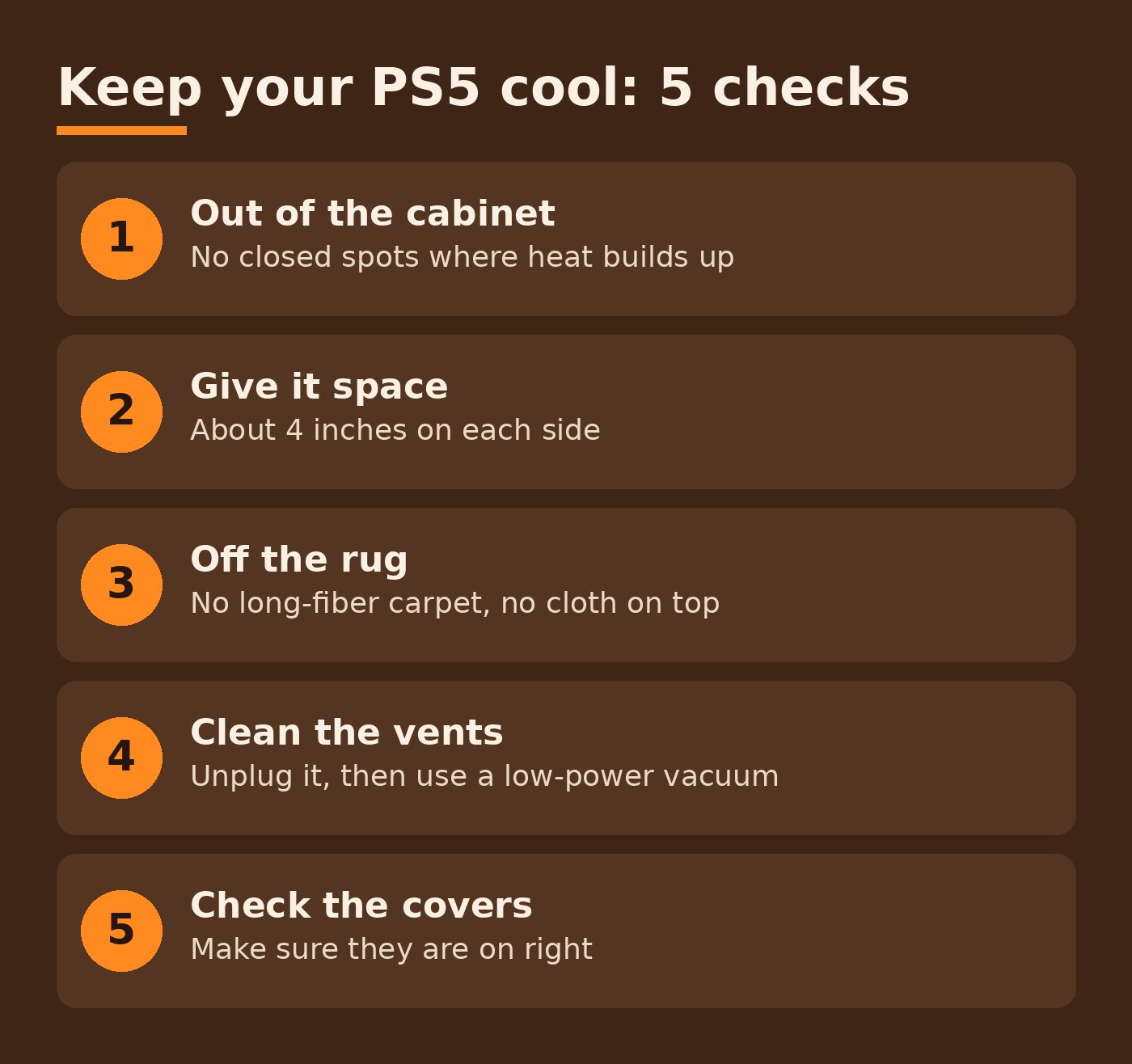
- Get it out of the cabinet. Sony says not to use the console in a closed cabinet or other closed spots where heat builds up. If it lives in a TV stand with a door, move it out.
- Give it space. Leave about 4 inches (10 cm) of open space on each side, and keep it at least that far from the wall. Don't tuck it into a narrow gap.
- Get it off the rug. Skip long-fiber carpet and rugs, and don't put a cloth on top to keep it neat. Blocked vents are the enemy here.
- Clean the vents. Turn the console off and unplug the AC power cord from the back. Then use a low-power vacuum on the dust in and around the vents.
- Check the covers. If you've ever taken off the side covers, make sure they are on right. The manual says covers that aren't installed correctly can make the console overheat.
Also take a look at the room. Sony lists the operating temperature as 41 to 95°F. Most living rooms are fine, but a hot garage or a sunny, closed-up game room is worth rethinking.
When to stop and leave it to a tech
If you've done all of that and the console still runs hot, the problem may be inside. iFixit explains that dust can build up in the cooling fan and heatsink, not just at the vents, and that restricts airflow. A console in a TV cabinet or sitting on the floor can pull in more dust, dirt and hair.
That's the point where DIY stops being a quick job. iFixit rates opening and cleaning a PS5 as a moderate repair, and Sony's manual says never to disassemble the console and that there are no user-serviceable parts inside. If you're not comfortable with that, it's fine to hand it off.
PS5 overheating repair around Georgetown
Overheating is one of the things we work on, on PlayStation and Xbox consoles. We're a family-owned mobile repair service covering Georgetown, Round Rock, Austin and the rest of the metro, and we're curbside only. A tech picks up your console at your home, your office or a public spot like a coffee shop, then brings it back.
You get a free diagnostic and a clear quote before any paid work, and it's no fix, no pay. Most repairs, other than in-stock screens and batteries, take 24 to 48 hours, so there's no need to wait until launch week. Repairs come with a 90-day warranty on parts and work. Just back up anything you'd hate to lose first, since we aren't responsible for data loss.
Tell us what your console is doing on our console repair page, or call (512) 649-5492.