Cracked iPad Screen Repair in Hutto: What to Do Right Now
Cracked your iPad? Here's what to do right now, how to back it up while the touch still works, and how iPad screen repair works in Hutto, TX.
Dropped your iPad and now there's a spiderweb across the glass? It happens. Tablets ride in backpacks, sit on couches and get passed around the house, so cracks are common. If you're looking for iPad screen repair in Hutto, here's what to do right now, how to save your stuff, and how the repair works.
The quick answer
Back up your iPad today, cover the cracks, and get a free diagnostic before you spend anything. A cracked screen won't fix itself, but it usually isn't an emergency either. Most iPads keep working for a while, which gives you time to do this the easy way.
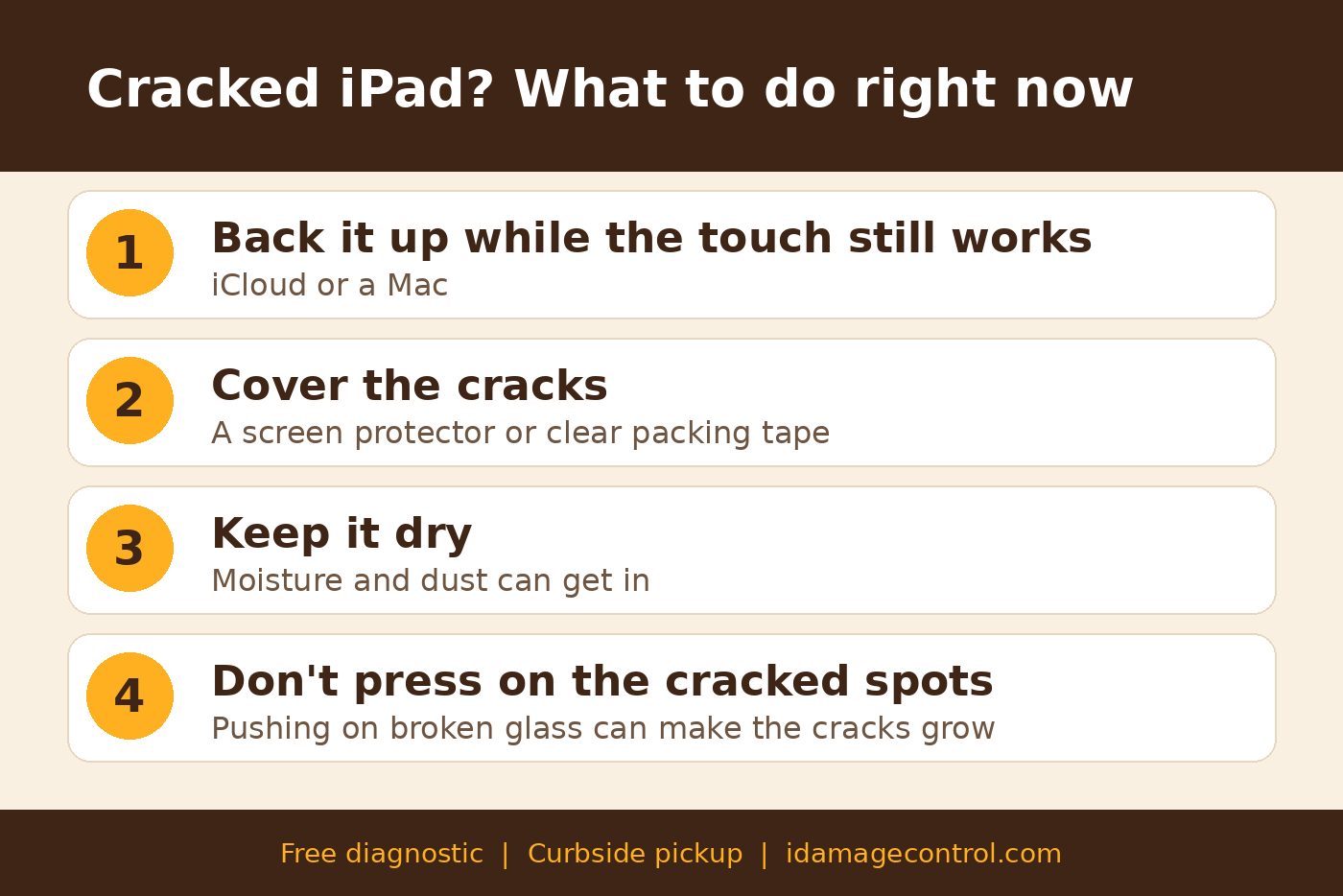
Cracked iPad screen? What to do right now
- Back it up while the touch still works. A crack can spread, and parts of the screen may stop responding. Doing it now, while you can still tap, saves a headache later.
- Cover the cracks. A screen protector or a strip of clear packing tape helps hold small glass bits in place and keeps fingers safe.
- Keep it dry. Cracked glass leaves tiny openings where moisture and dust can get in.
- Don't press on the cracked spots. Pushing on broken glass can make the cracks grow.
How to back up your iPad before a repair
We always ask you to back up before any repair. Apple gives you two simple ways to do it.
With iCloud
Connect to Wi-Fi, open Settings, tap your name, tap iCloud, then iCloud Backup and Back Up Now. Stay on Wi-Fi until it finishes. Apple walks through it here: How to back up your iPhone or iPad with iCloud.
With a Mac
Plug the iPad into your Mac with a cable, open Finder and pick your iPad in the sidebar. You may need to tap Trust on the iPad and enter its passcode, which is one more reason to do this while the screen still responds. Apple's guide: How to back up your iPhone or iPad with your Mac.
Signs the crack is more than cosmetic
Some cracks are just ugly. Others start to get in the way. Watch for these:
- Spots on the screen that don't respond to touch
- The iPad taps or opens things on its own
- Lines, dark patches or flickering in the picture
- Sharp edges or pieces of glass missing
- The screen lifting away from the frame
If the screen looks pushed up from underneath, stop charging it and have a tech take a look. For everything else on the list, it's worth getting it checked sooner rather than later.
Can you keep using a cracked iPad for now?
Usually, yes, as long as the picture is clear and touch still works. Cover the cracks, keep it in a case, and maybe keep it away from little hands until it's fixed. Cracks can spread after another bump or drop, so it's easier to plan the repair on your schedule than to wait until it stops working.
Why DIY iPad screen repair is tricky
iPad screens are held in with adhesive, and the glass is thin. Getting one open takes heat, patience and the right tools, and it's easy to crack the new screen or damage a thin cable along the way. Online kits look simple, but one slip can turn a screen repair into a bigger one.
Which parts your iPad needs also depends on the model. That's why the best first step is having a tech look at it.
How iPad screen repair works with us in Hutto
We're a family-owned mobile repair service, and Hutto is part of our service area along with Round Rock, Pflugerville, Georgetown and the rest of the Austin metro. Here's how it goes:
- Curbside pickup. A tech meets you at your home, office or a public spot like a coffee shop, then brings your iPad back. We never go inside.
- Free diagnostic and a clear quote before any paid work. No fix, no pay.
- Quick turnaround. In-stock screen replacements are generally done the same day. Most other repairs take 24 to 48 hours.
- 90-day warranty on parts and work. It doesn't cover new physical damage after the repair.
Screen replacements don't normally touch your data, but any repair can, so please back up first. We aren't responsible for data loss.
Tell us what happened
Got a cracked iPad? Request a free diagnostic and we'll set up a curbside pickup. You can also call (512) 649-5492 or email hello@idamagecontrol.com.